May 26, 2026 Release Notes

You can now subscribe to changelog notifications so you never miss a release. Quantity-based production tracking expands in early access for solar and other unit-driven jobs, project wage determinations pick up rate rules, and the Project Overview exposure table uses smarter color coding.
🔔 Changelog notifications
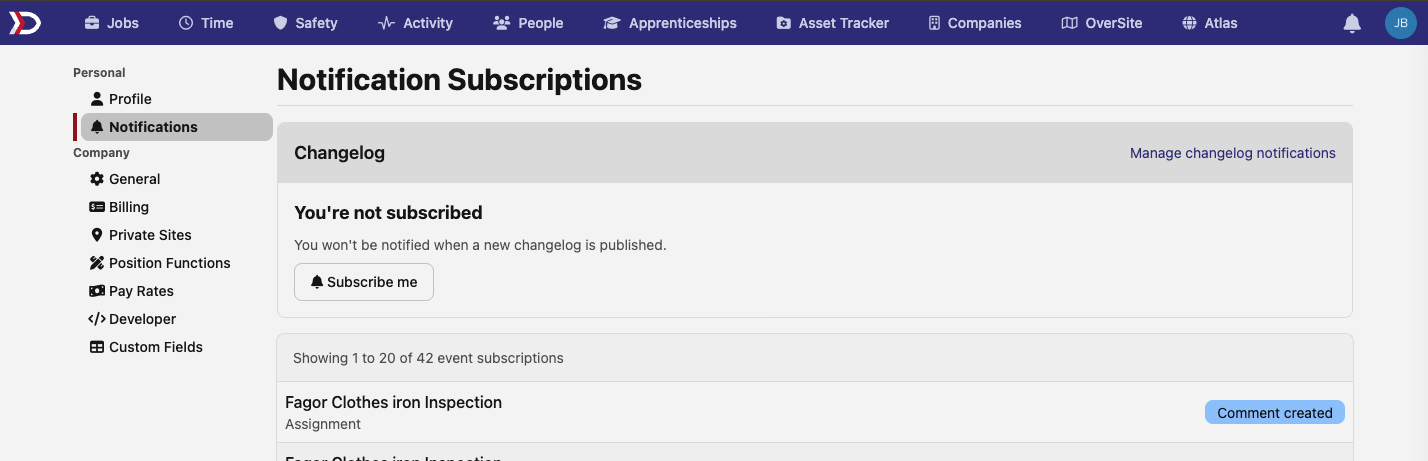
You can now subscribe to changelog notifications from the Notification Subscriptions page under Settings. A new Changelog section at the top of the page shows your subscription status and lets you opt in with one click. Once subscribed, you'll receive a notification whenever new release notes are published.
🏗️ Quantity-based production tracking — early access
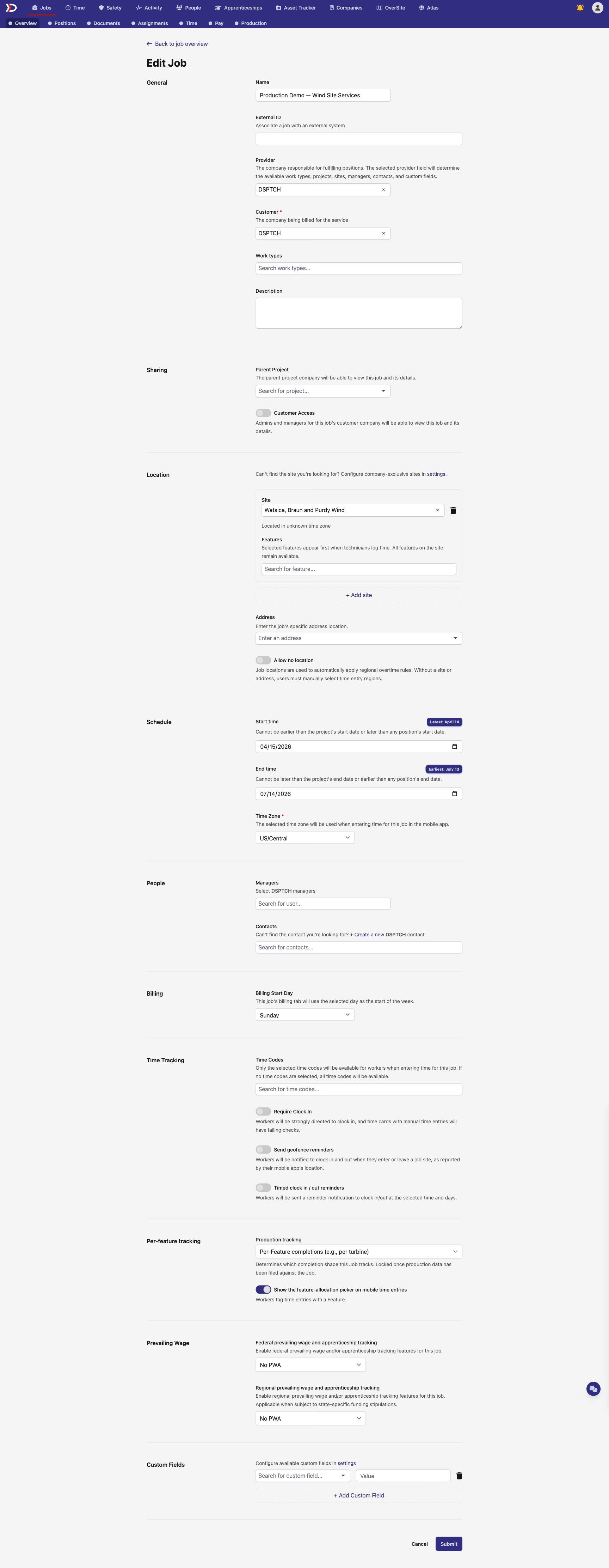
Jobs that track production by quantity rather than by site feature now have full support across the Production tab. When setting up a job, a new Production tracking dropdown lets you choose between Feature (the existing mode, where completions are tied to site features) and Quantity (the new mode, where completions are filed by count against a scope price).
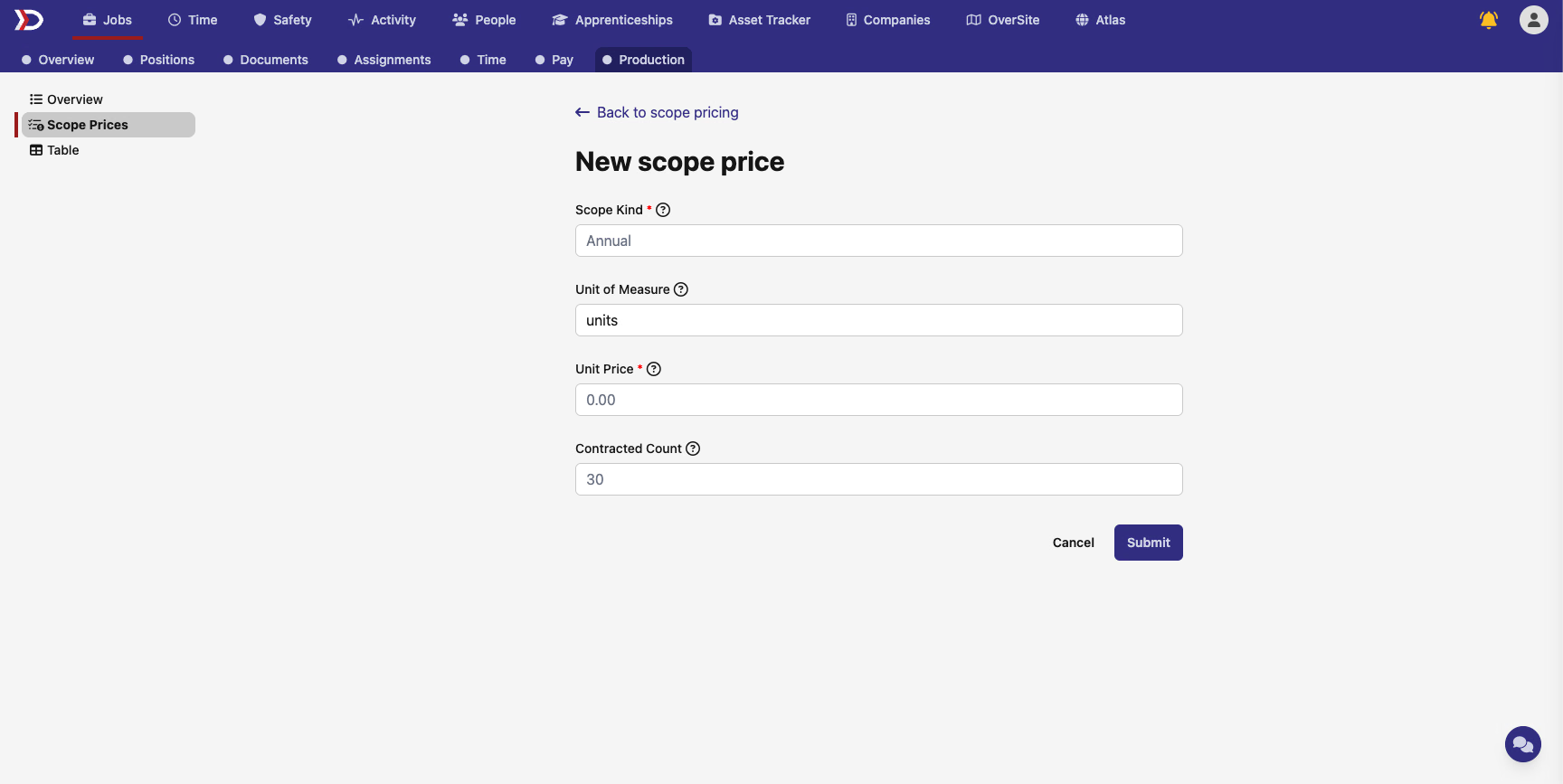
Scope prices on quantity jobs gain a Unit of Measure field — set it to "modules", "panels", "inverters", or whatever unit fits the scope. The unit shows inline on scope price rows as "$0.50 per module" and "5,000 modules", so the pricing table reads naturally.
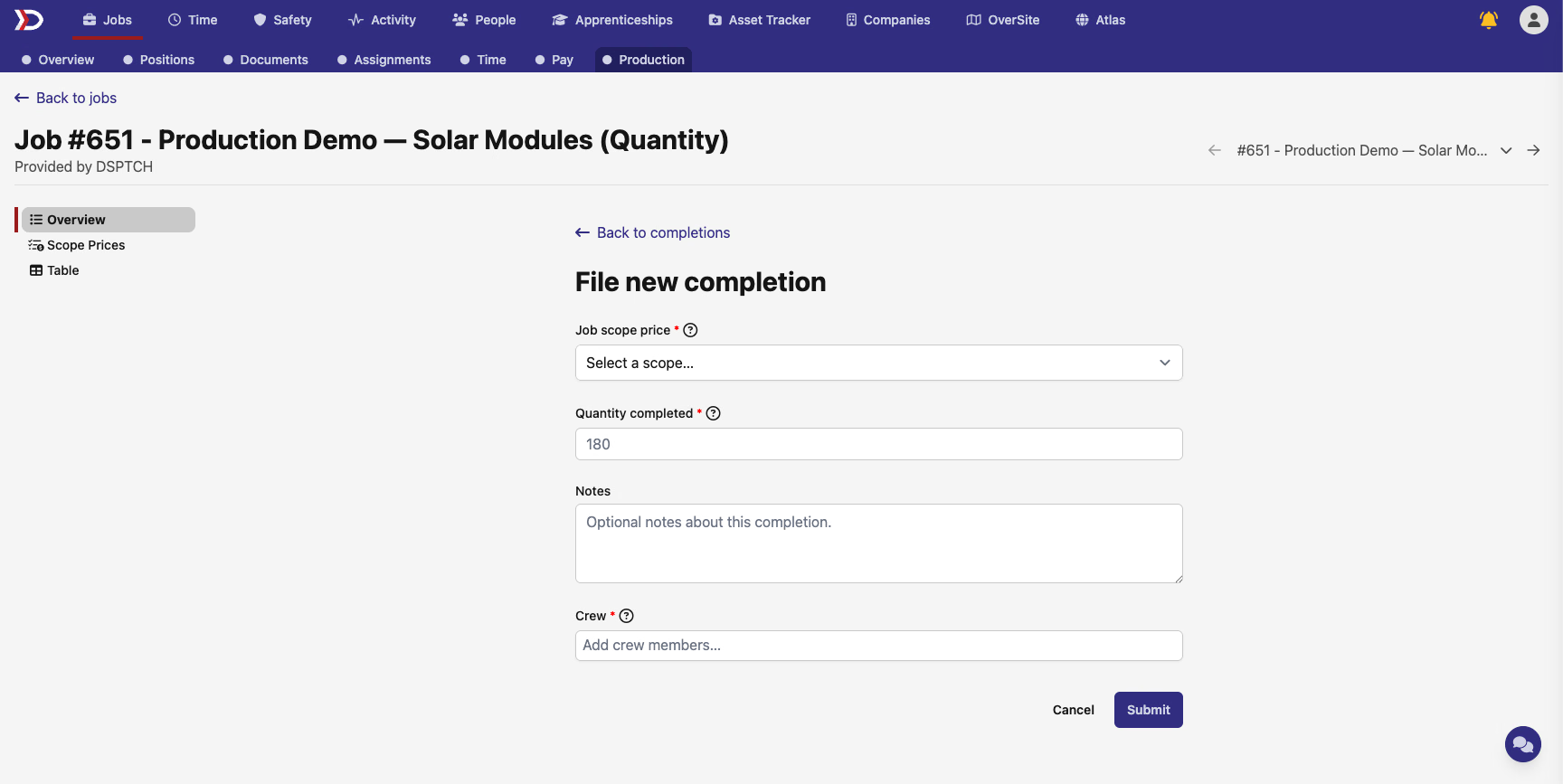
Filing a completion on a quantity job surfaces a Quantity completed number input instead of the feature picker. The completion row displays the count with the pluralized unit of measure.
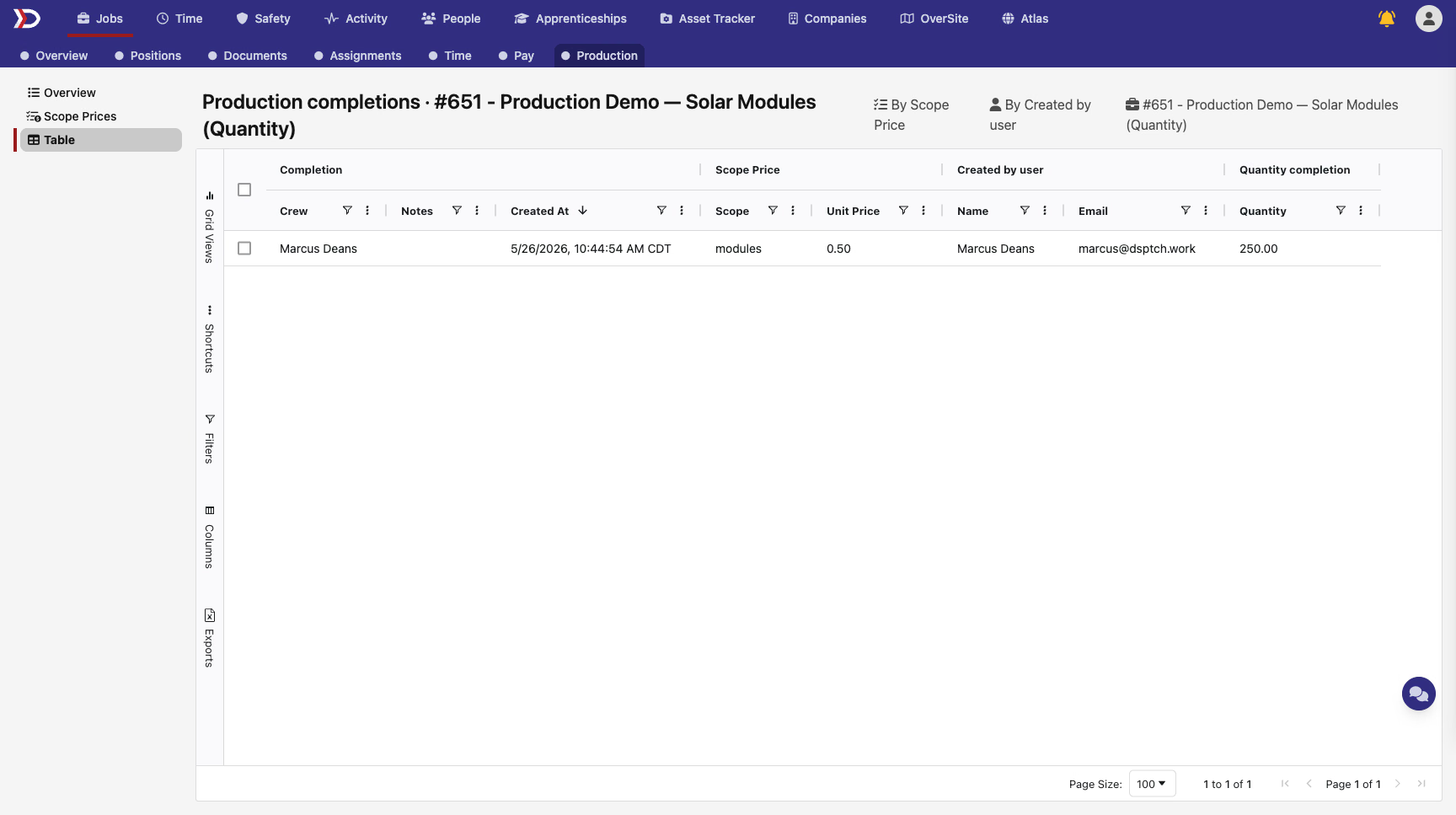
The Production Table view adapts too — quantity jobs show a Quantity column instead of Feature, and the filters and sort options adjust accordingly (sort by highest/lowest quantity instead of feature name). The "By Scope Price" preset aggregates total quantity completed per scope.
⚖️ Project wage determination rate rules
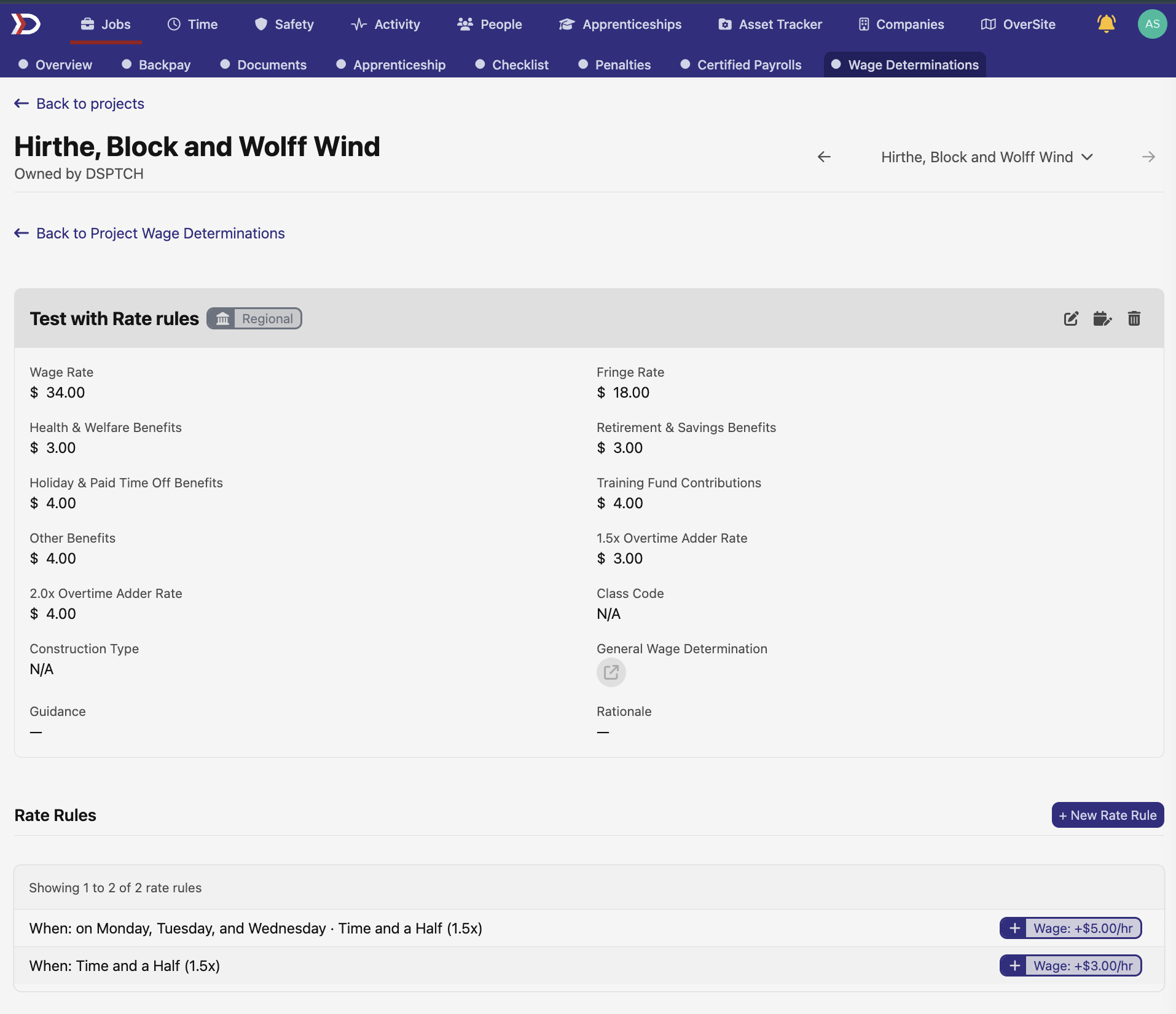
Project wage determinations now display a Rate Rules section. Rate rules define pay-rate modifications — like time-and-a-half on specific days or overtime multipliers — that apply to the wage determination. Each rule shows its conditions and the resulting wage adjustment. Rules set at the project level flow down to the job wage determinations underneath.
📊 Smarter exposure colors on Project Overview
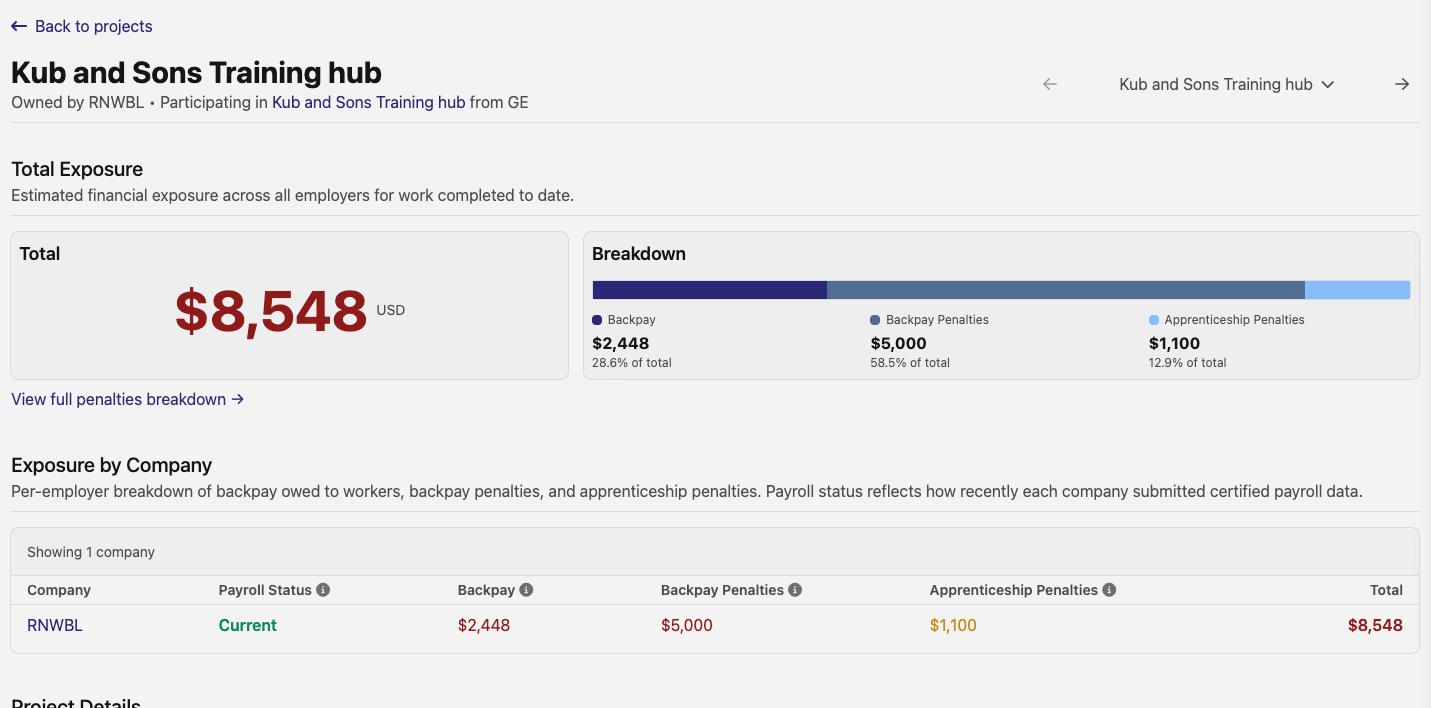
The Exposure by Company table on the Project Overview page now distinguishes between two types of apprenticeship penalties. Participation penalties — assessed per employer based on real exposure — appear in red. Labor-hours penalties — assessed at the project level and advisory when viewed per employer — appear in a softer amber. The row total also uses amber when labor-hours penalties are the only source of exposure, signaling their advisory nature.
📋 New columns on the Jobs table
The Jobs table picks up three new columns:
- Managers — a comma-separated list of the job's managers
- Address — the job's address
- Pay full cash fringe by default — whether the job is configured to pay full cash fringe by default (for PWA jobs)
All three columns support filtering and sorting in the grid.
🔌 Timecode API
The timecodes API now supports full CRUD operations — create, read, update, and terminate timecodes — in addition to the existing list endpoint. A companion set of endpoints for scheduled changes lets API consumers schedule future corrections and cancel scheduled terminations. These endpoints mirror the capabilities available in the web UI.
🛠️ Fixes
- WH-347 signing for previous exports now works correctly at the pay-period level — the signing buttons on the Export Dashboard's previous-exports list were not functioning
- Pay period checklist no longer crashes when a user has access to a pay schedule that has no pay periods yet
Have feedback or a feature request? Reach out — we'd love to hear from you.
The DSPTCH Team