July 10, 2026 Release Notes
New Mexico DWS certified payroll exports land at the pay-period level, the chip-style filter bar finishes rolling out across index lists, and the job overview page picks up a one-click copy-link button. Asset Tracker also gains a batch of new REST API endpoints for integrations. 🧾
🧾 New Mexico DWS certified payroll exports
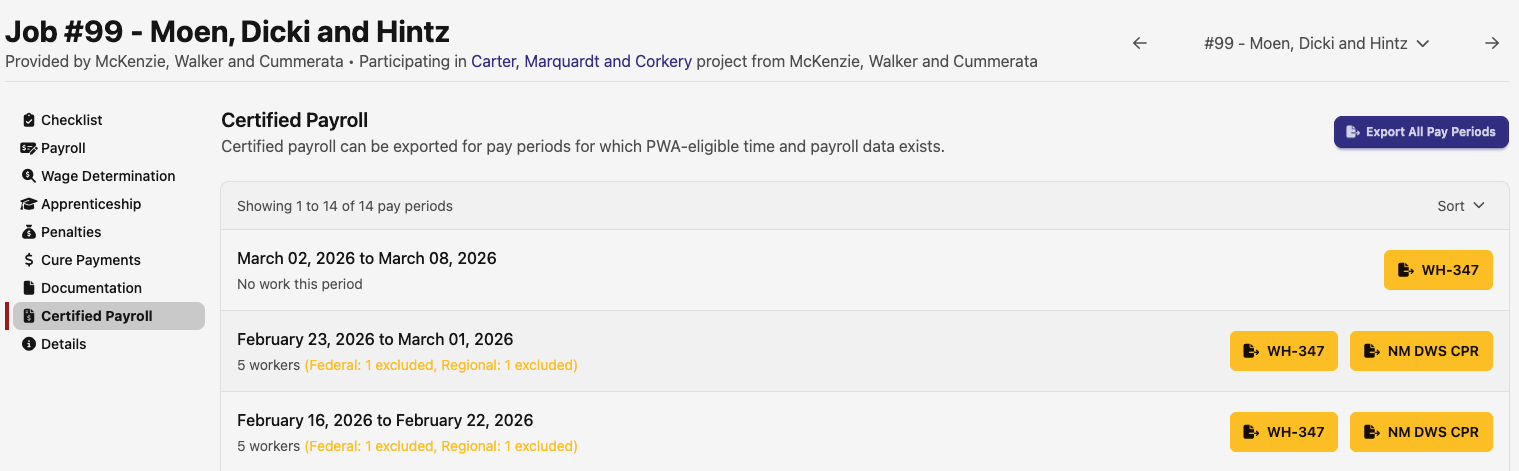
Jobs tracking regional prevailing wage in New Mexico can now export NM DWS CPR reports from Compliance → Certified Payroll. Each pay period with eligible PWA time and payroll data gets its own export button alongside the existing WH-347 option.
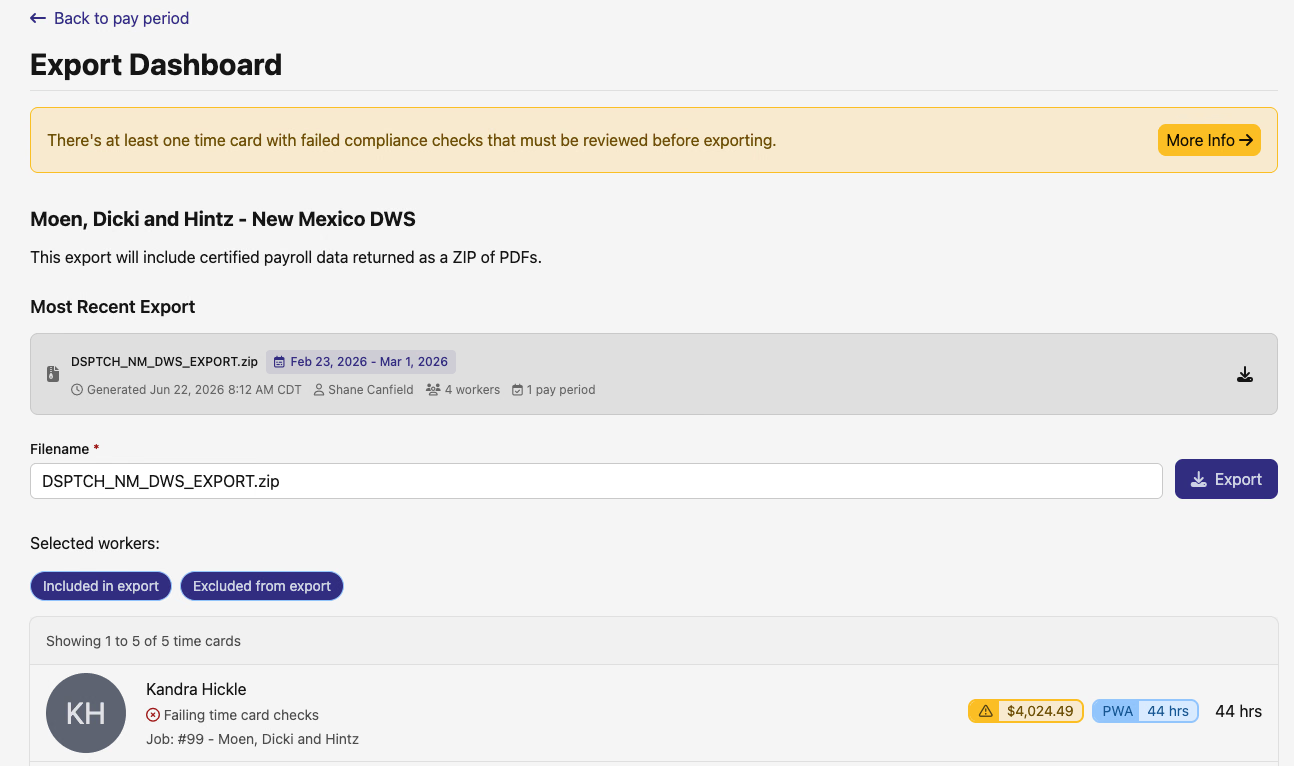
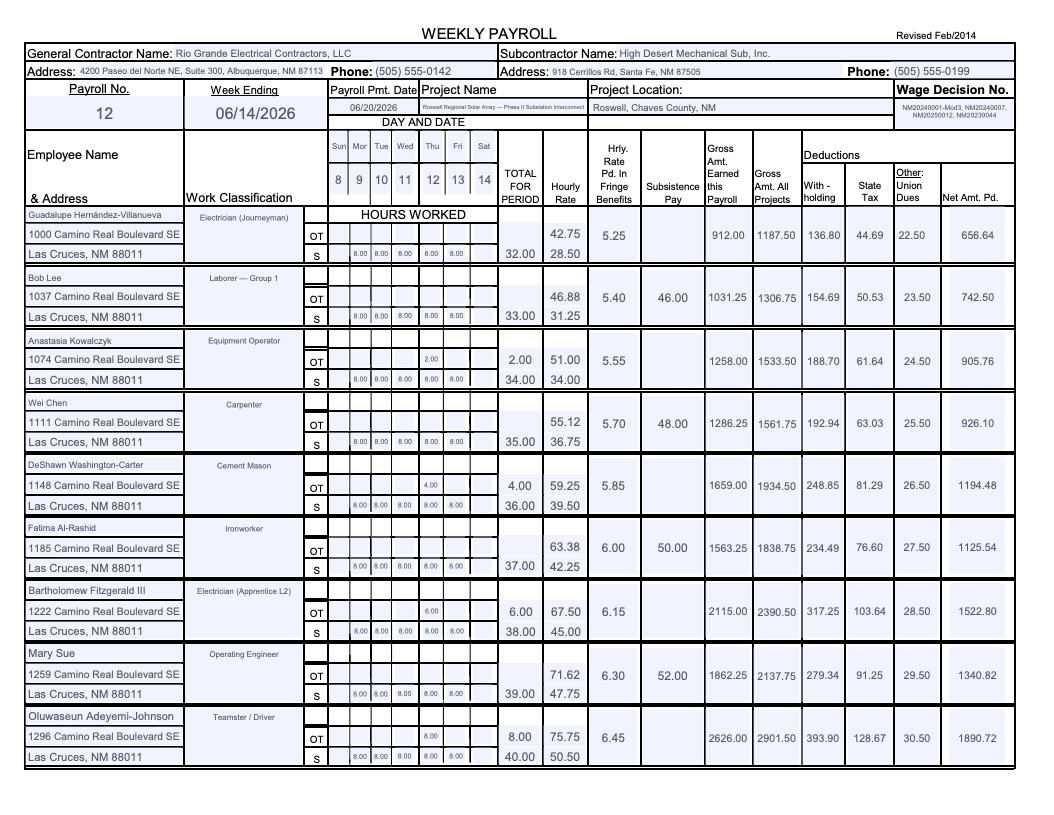
Opening an export takes you to a pay-period Export Dashboard where you can review included and excluded workers, name the ZIP file, and download a bundle of CPR PDFs. PDF layout and spacing also got a polish pass on this export type.
🧰 Filter and sort bar refresh
The filter bar rollout that started earlier this summer is now essentially complete. Sort, search, and clear controls are in consistent places whether you're on a full filter bar or a table-only list.
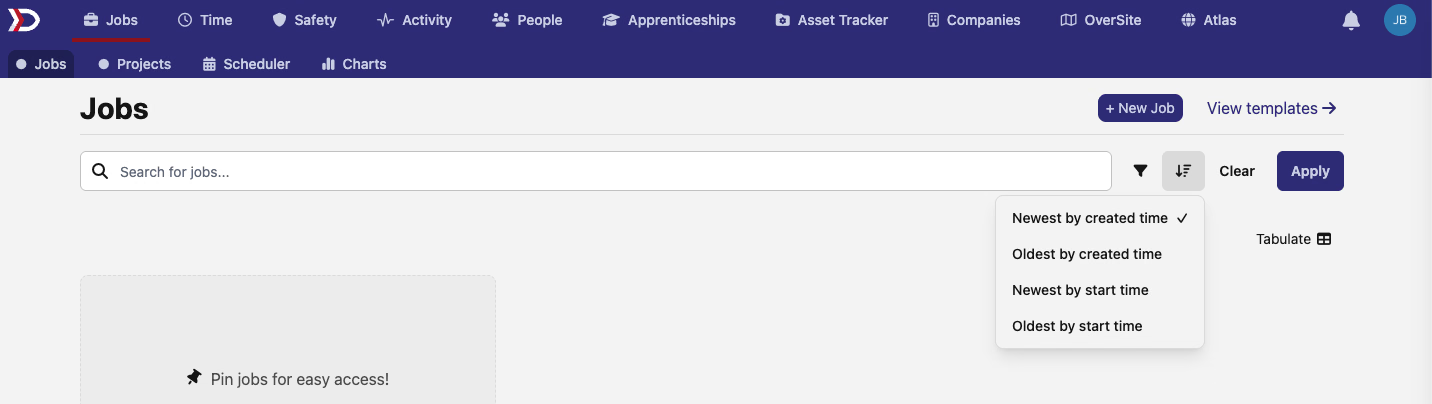
Lists with filter bars — jobs, users, assets, pay periods, wage determinations, and dozens of other index pages — now keep sort next to the filter picker and Apply button instead of burying it in the table header. The Clear link moved into the chip row and only appears when you have active filters.
Table-only lists — document indexes, scheduled-changes history, the OverSite site sidebar, certified payroll tables, and similar pages — swap the old text sort dropdown for a compact picker icon in the header. Sort options and default ordering are unchanged.
The filter picker dropdown itself now has a Search filters box at the top. Start typing to narrow the list by name instead of scrolling through every option. Focus lands in the search field when you open the picker.
The Tabulate button also moved up to the page header on index views — check-ins, jobs, assets, tasks, certifications, pay periods, and PWA compliance pages — so it sits in the same spot everywhere you can open a spreadsheet view.


🔗 Copy a clean job link from the overview
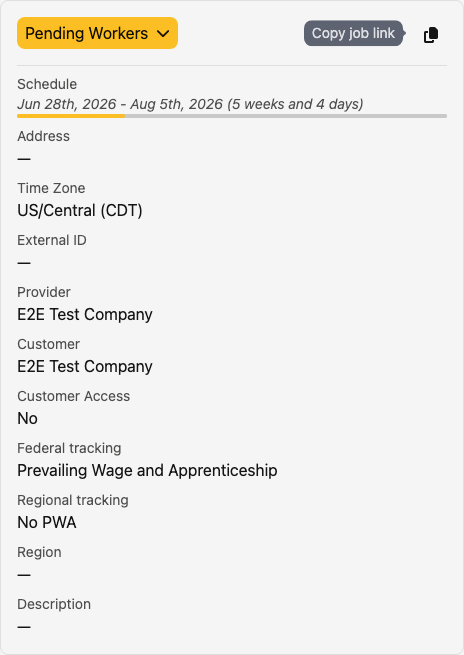
The job overview page's General Details card now has a Copy job link button next to Activity. One click copies the canonical job URL — https://dsptch.app/jobs/:id with no jobs-index filter params attached — and the icon flips to a checkmark so you know it worked.
🔌 API additions
- Asset products — create, update, and delete products at
/api/v1/assets/productsand/api/v1/assets/products/{id}. - Service schedules and events — manage per-item maintenance schedules and logged service events under
/api/v1/assets/items/{item_id}/service_schedulesand/api/v1/assets/items/{item_id}/service_events. - Service schedule templates — define product-level schedule templates at
/api/v1/assets/products/{product_id}/service_schedule_templates, seed them onto items, and sync schedules from a template. - Item documents — list, upload, update, and delete versioned documents on an asset item at
/api/v1/assets/items/{item_id}/documents, with version history at/api/v1/assets/items/{item_id}/documents/{document_id}/versions. - Form assignment triggers and tasks — manage automatic form-assignment rules at
/api/v1/assets/form_assignment_triggersand item-level form assignment tasks at/api/v1/assets/items/{item_id}/form_assignment_tasks. - Asset sites — list, create, update, and delete asset-tracker sites at
/api/v1/assets/sites.
🛠️ Fixes
- Time Entries tabulate — the Per Diem Rate column (hidden by default) now shows dollar amounts instead of
[object Object]. - Jobs index — when a search or filter returns no matches, the empty state and "try changing filters" message appear correctly instead of showing a blank page.
That's it for this release — as always, reach out with questions or feedback. 🚀
The DSPTCH Team