March 17, 2026 Release Notes
This week we're shipping a handful of quality-of-life improvements — from a redesigned pay rate rule builder to small touches that make navigating time cards and company settings a bit smoother.
🧩 Multiple Conditions on Pay Rate Rules
Pay rate rules now support combining multiple conditions at once. The old tab-based interface has been replaced with an additive card system — click a condition type to add it, and remove individual cards with the trash icon. This makes it straightforward to build compound rules like "Overtime + Specific Days" or "Overtime + Apprentice Period + Time Range" without juggling between tabs.
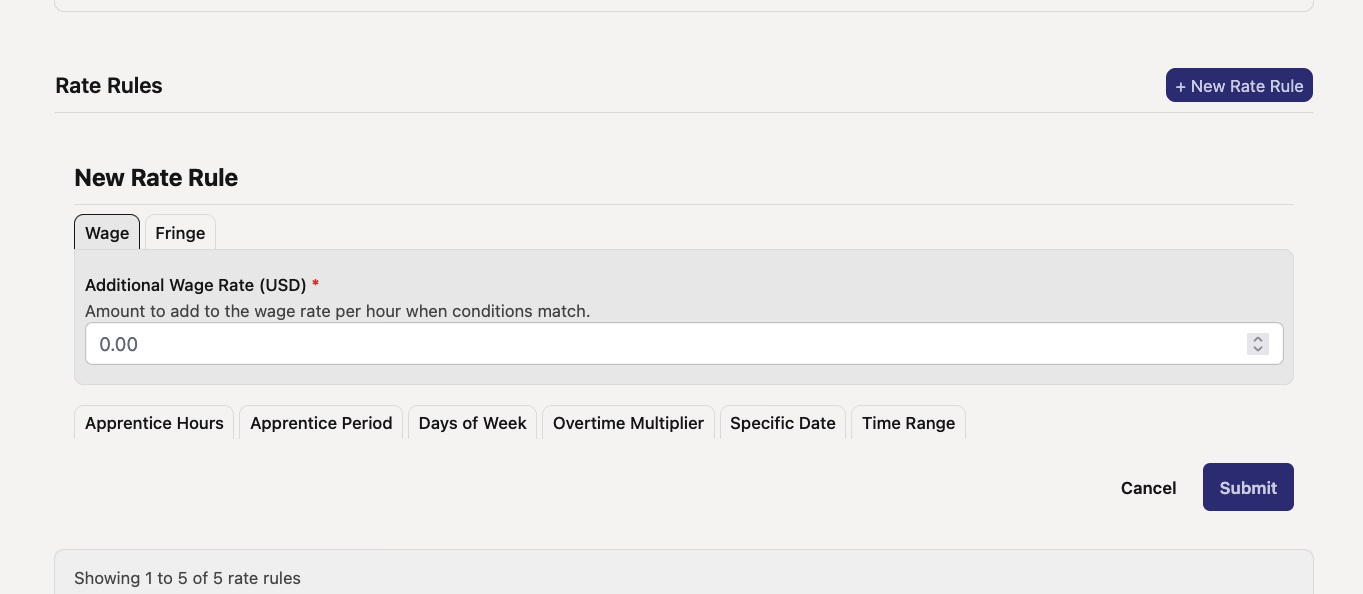
What's new:
- Add multiple conditions — Stack overtime, day-of-week, apprentice period, and time range conditions on a single rule
- Card-based layout — Each active condition gets its own removable card for clear visibility
- Time Range condition type — Now available as a standalone condition alongside the existing options
🔍 Job Preview Tooltips on Time Entries
Hovering over a job name in the time card view now shows a compact preview tooltip with the full job name, customer, managers, and schedule dates. It's a small thing, but saves you from clicking through just to remind yourself which job is which.

- Shows on desktop hover only — on mobile, tapping the job name still navigates directly to the job page
- Doesn't interfere with existing warning icons on time entries
📝 Version History Event Messages
Version history now displays events with clearer, color-coded messages showing who performed an action and what changed. Created events show in green, deletions in red, and updates in yellow — making it easier to scan through a record's history at a glance.
📊 Wage & Hour Grid Hours Rounding
Hours columns in the Wage & Hour grid now round down consistently and display with two decimal places. Previously, values could show with inconsistent precision — this tidies things up so the numbers are easier to read and compare.
📥 Smarter CPR Export Date Defaults
Certified payroll report exports now default to "Since Project Start" or "Since Job Start" depending on context, instead of requiring you to manually set the range each time. If you've been re-selecting the same date range every export, this one's for you.
That's it for this round. As always, reach out if you have any questions!
The DSPTCH Team