June 26, 2026 Release Notes

Trades take the headline this release: prevailing-wage and apprenticeship compliance now organizes wage determinations by craft, so apprentice-to-journeyworker ratios pool the right workers together. Theme switching moves into the profile menu for a quicker toggle, the Atlas fleet map gains an Active/Idle/Stale status filter, and the REST API picks up new surface for jobs, users, positions, and payroll. 🏗️
🏗️ Trades for wage determinations and apprenticeship ratios
DSPTCH now treats Trades — craft groupings like Electrician, Ironworker, or Construction Manager — as a first-class part of your prevailing-wage and apprenticeship setup. Every job and project's PWA area gains a Trades tab that lists each craft in the compliance pool, with its wage determinations shown beneath it.
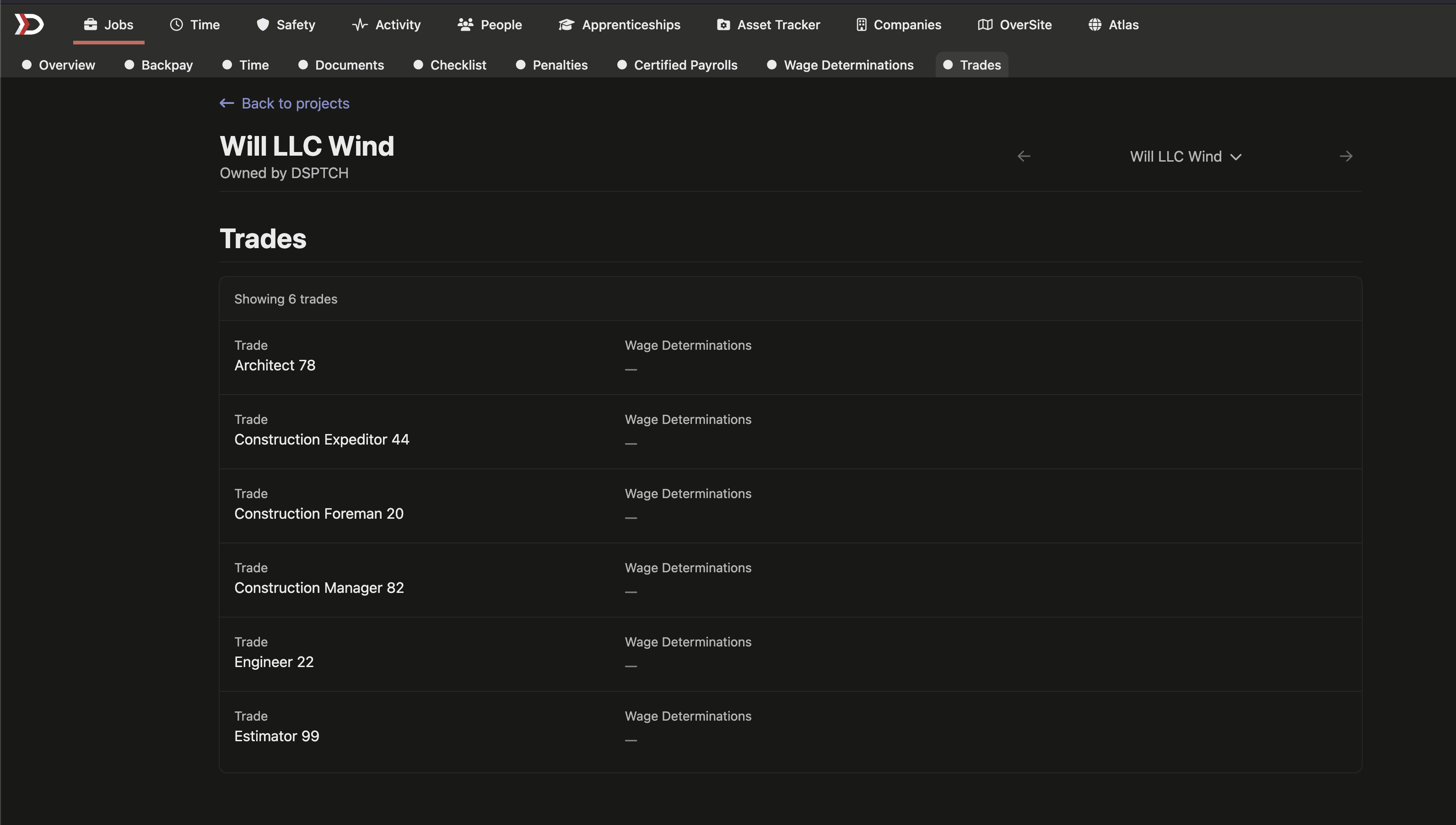
Why it matters: apprenticeship ratio compliance now pools workers by their trade rather than by raw labor-classification text. Two workers whose classifications read differently — say "HV Electrician" and "Journeyworker Electrician" — count toward the same apprentice-to-journeyworker ratio when they share a trade, so your ratios reflect how crews actually work.
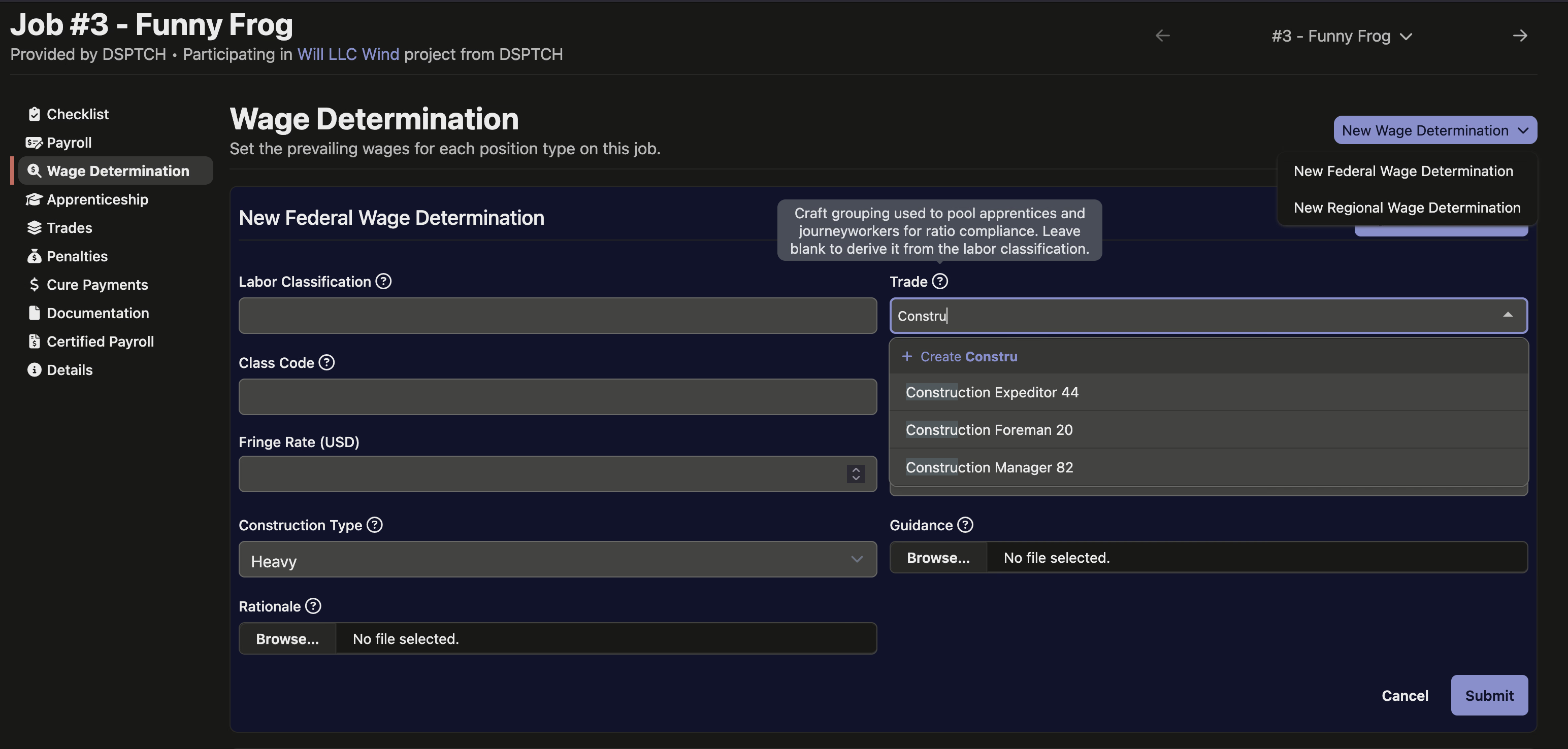
Setting it up stays in the flow you already use. When you add a wage determination to a job or project, a Trade selector lets you search for an existing craft, create a new one on the spot, or leave it blank to have DSPTCH derive the craft from the labor classification. On the Trades tab itself you can add a new craft with New Trade and rename one inline.
🌗 Switch themes from the profile menu
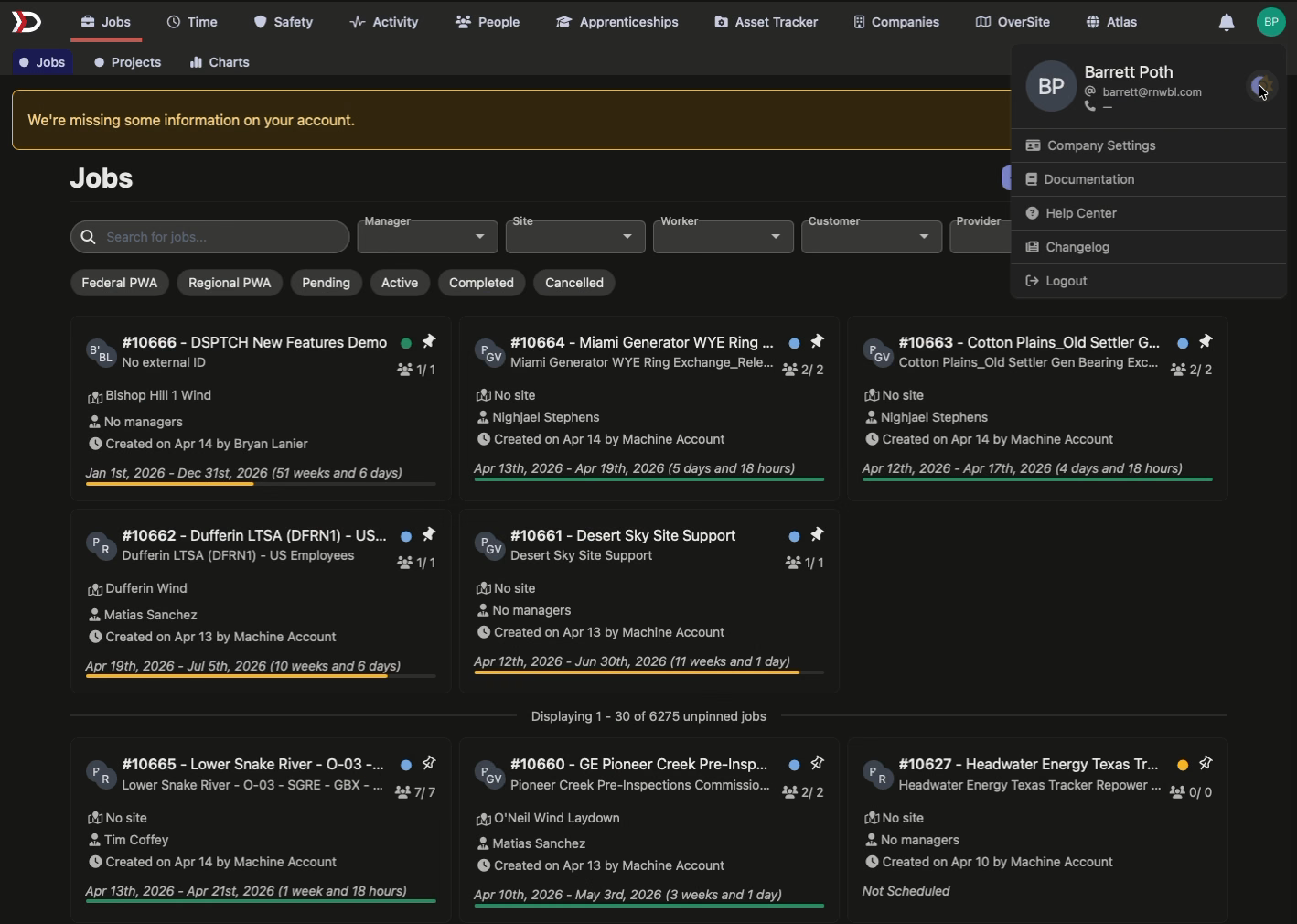
Switching between light and dark is now a one-click move from the menu under your profile icon in the top-right corner — no need to open your Appearance settings, and no page reload. The navigation bar also picks up a refreshed dark styling to match. Your theme choice still saves to your account and follows you across the app.
🚛 Filter the fleet by status
The live fleet layer on the Atlas map can now be filtered by vehicle status — Active, Idle, or Stale — using the same green, yellow, and red indicators already shown on each truck's status halo. The Status filter joins the existing make, model, year, truck-number, and driver filters in the Vehicle Filters panel, so you can narrow the map to, say, only the trucks that have gone stale.
⏱️ Tag a feature when importing time
Time-entry imports can now specify which feature an entry applies to, for jobs that use per-feature tracking. Add the optional feature column to your import file and the hours land against the right feature on the job; files without the column import exactly as before. The same feature selection is now enforced when entries come in through the REST API, too (see below).
🧑💼 Department on employee profiles
A worker's Department now appears on their profile, in the employment-details section alongside Title, Manager, and Payroll ID. If no department is set, the field shows a dash.
🔌 API additions
- Jobs — set a job's status to a terminal state (completed, cancelled, or disputed) over the API; filter the jobs list by project (including jobs on descendant projects), with each job now carrying its project ID; and read or set a job wage determination's rate rules through a new nested endpoint.
- Users — a new update endpoint exposes preferred names and other profile fields, user responses now include each person's profile picture, and you can upload an avatar through the new public direct upload endpoint, which accepts a file and returns an ID to attach elsewhere.
- Time entries — entries created through the API now accept and enforce a feature selection where the job calls for one.
- Positions — a new read-only endpoint lists your company's position functions (the job-title taxonomy), including the global defaults.
- Payroll — a new read-only endpoint exposes the catalog of compensation elements (pay, deduction, and contribution types) with their tax treatment and import codes.
🛠️ Fixes
- Prevailing-wage overtime on unassigned time now applies the right state's daily-overtime rules — like California's 8-hour rule — to time logged without a specific job, instead of falling back to federal rules and understating the obligation.
- The Rippling prevailing-wage export no longer drops straight-time hours worked on a holiday that doesn't trigger premium pay; those hours report correctly again.
- Apprenticeship ratio status recalculated for one pay period no longer overwrites the saved status on a worker's other pay periods.
- Company settings save in place when edited, instead of erroring out.
- PWA compliance details over the API return a clear validation error instead of a server error when a user already has a record for the company.
Trades to model your crafts the way crews actually work, a quicker theme switch, and a healthy round of new API surface. Let us know what you'd like next!
The DSPTCH Team