June 17, 2026 Release Notes

Dark mode graduates from beta and is now available to everyone. Alongside it: the beta rate-sheet manager gains full create, rename, and delete; imported records show where they came from; company todos send email reminders; and the REST API picks up six new resources. 🌗
🌗 Dark mode is out of beta
Dark mode is now available to everyone — it's no longer limited to the beta. Open your profile's Appearance setting to switch between the light and dark themes; your choice saves to your account and applies across the app on every device you sign in from.

The surfaces refined during the beta all follow your chosen theme now: forms and the form builder, native and searchable dropdowns, filter fields, comment editors, data tables and Tabulate grids, and charts.
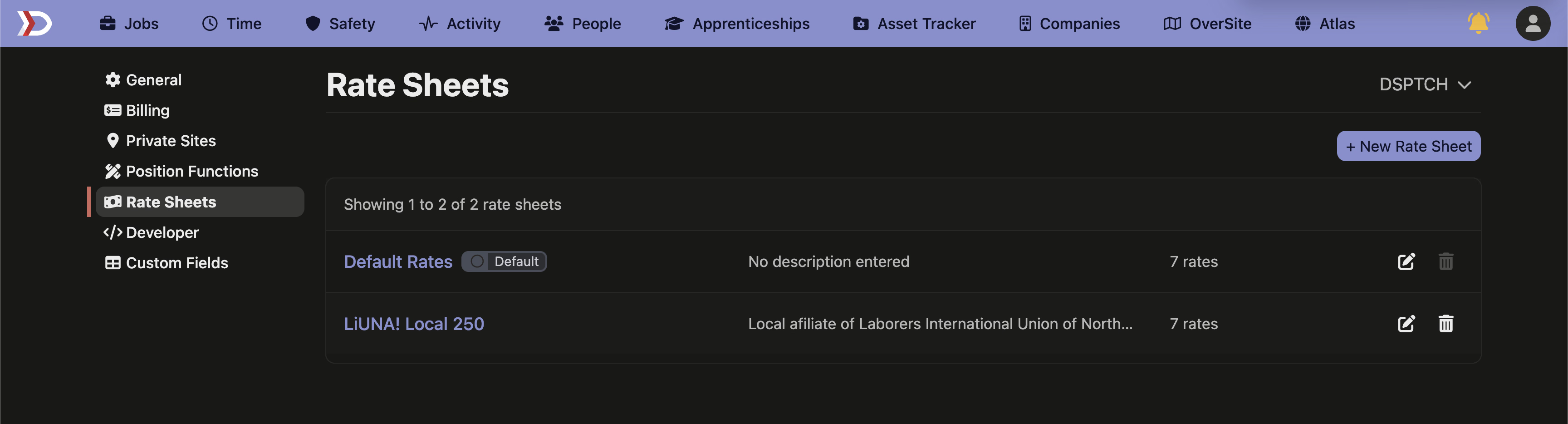
💵 Create and manage rate sheets (beta)
Admins in the beta can now create, rename, and delete rate sheets under Settings — not just edit rates on a single default sheet. The Rate Sheets page lists every sheet with its rate count, pins the company default at the top, and tags it with a Default badge. New sheets start pre-filled with the standard baseline rates, so you're naming and adjusting rather than building from an empty page.
Deleting a sheet is guarded so you can't break payroll: the default sheet, a sheet that's assigned to a worker or position, or a sheet whose rates have already been used in processed payroll can't be removed — and the remove button explains why it's unavailable.
🏷️ See where imported records came from
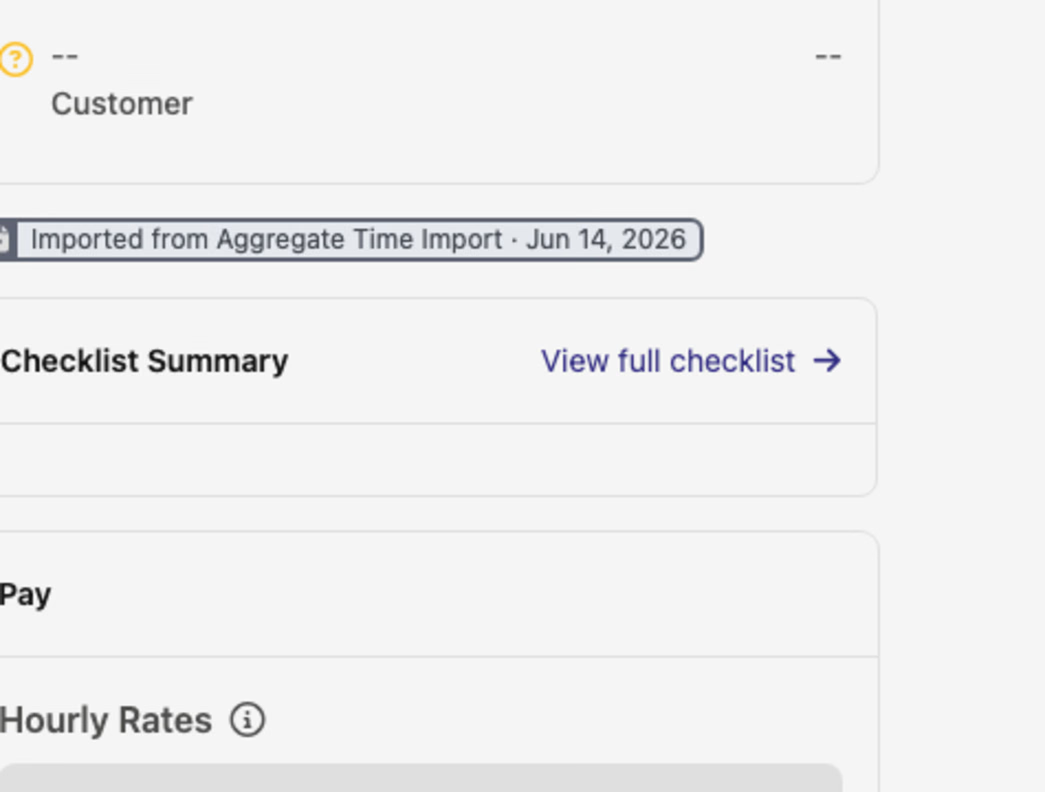
Time cards, paystubs, and time entries that arrived through an import now carry an Imported from … badge — for example, Imported from Aggregate Time Import · Jun 14, 2026 — that links back to the import it came from. It's an at-a-glance way to tell whether a record was entered by hand or brought in by an import, and to trace it back to its source.
⏰ Todo reminders by email
Setting or changing the due date on a company todo now schedules a reminder automatically. When the todo is due, the assigned person gets an email with the todo's name, due date, and a link to open it — so todos don't slip when someone isn't already in the app.
🔌 API additions
- Billing user counts — read monthly PWA seat counts per project (distinct workers with PWA-tracked time), the same figures behind the billing summary and its CSV export. Filter by month or project.
- Apprenticeship program management — create and update apprenticeship programs, occupations, wage schedules, and pay periods, and enroll apprentices. This is the write side that complements the existing read endpoints.
- Time-card approvals — record manager and worker approvals on a time card, and read each card's manager and worker approval status from the time cards endpoint.
- Time-entry manager approvals — record manager approvals at the individual time-entry level, and read per-entry approval state.
- Prior-period adjustments — read back-pay and retroactive payroll corrections on a time card (read-only for now), filterable by adjustment type or rationale.
- Wage determination labor rates — read a wage determination's full labor-rate table (each classification's base wage and fringe), filterable by classification.
🛠️ Fixes
- Pay tabulate week ranges now render in the pay schedule's own time zone on the Job and Project Pay grids — a Monday–Sunday week no longer displays as an eight-day Monday–Monday span. This was a display-only correction; the calculated obligations were always right.
A practical release: more control over rate sheets, clearer provenance on imported records, and a wider API surface. As always, reach out if you have any questions!
The DSPTCH Team