April 2, 2026 Release Notes
This release brings new grid views to several more areas of the app, separates timecode editing into clearer actions, and adds grouped asset selection on time entries. 🔧
📊 New Grid Views
We've continued rolling out grid views across more parts of DSPTCH. These grids bring the same filtering, sorting, grouping, and export capabilities you're used to from other grid-powered pages.
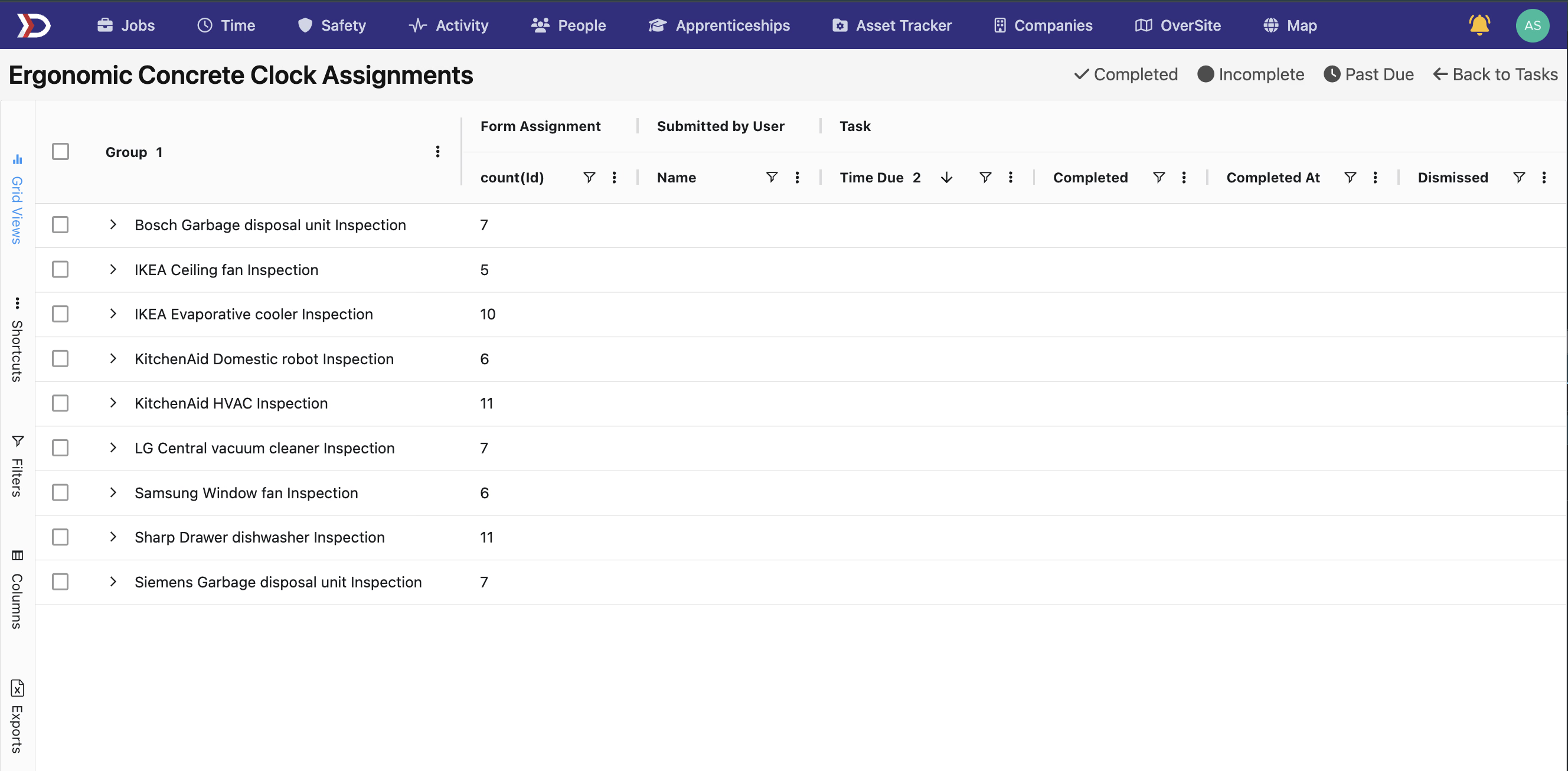
Form Assignments
Form assignments now use the grid view at the company, job, and activity levels. You can filter and group assignments, expand grouped rows for detail, and export as needed.
Wage Determinations
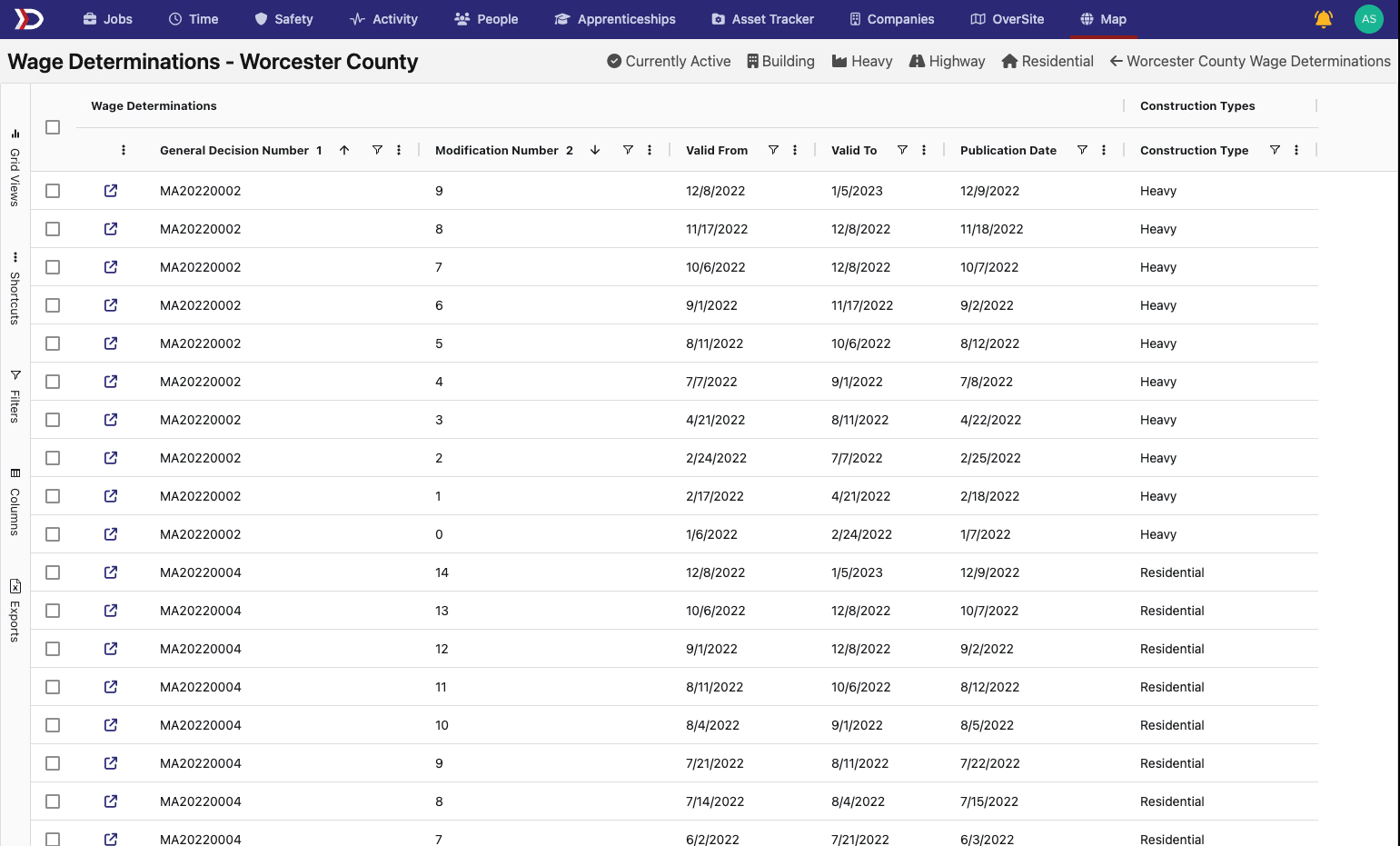
Wage determinations under a boundary now have their own grid with preset filters and CSV export support. Construction type is displayed with clean formatting via a new enum column type.
Asset Form Assignments
Asset-level form assignment tracking also now uses the grid layout, keeping things consistent with the rest of the form assignment views.
⚙️ Timecode Edit vs. Schedule Change
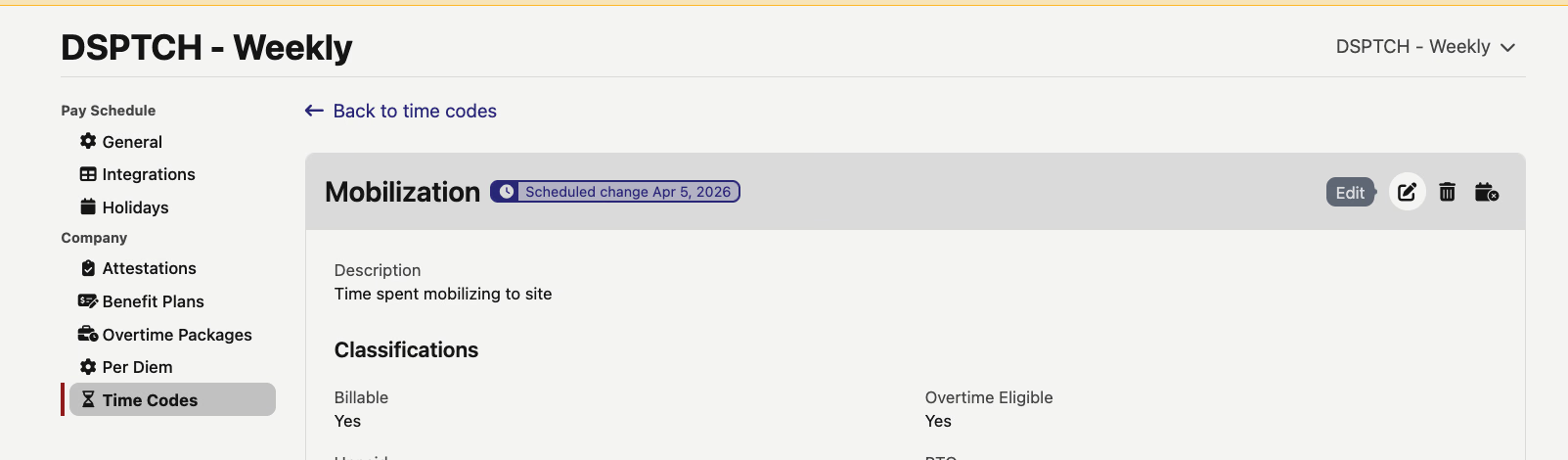
Editing a timecode now has two distinct actions to reduce confusion:
- Edit — corrects the current version in place, no date picker needed
- Schedule Change — creates a new version at a future effective date you choose
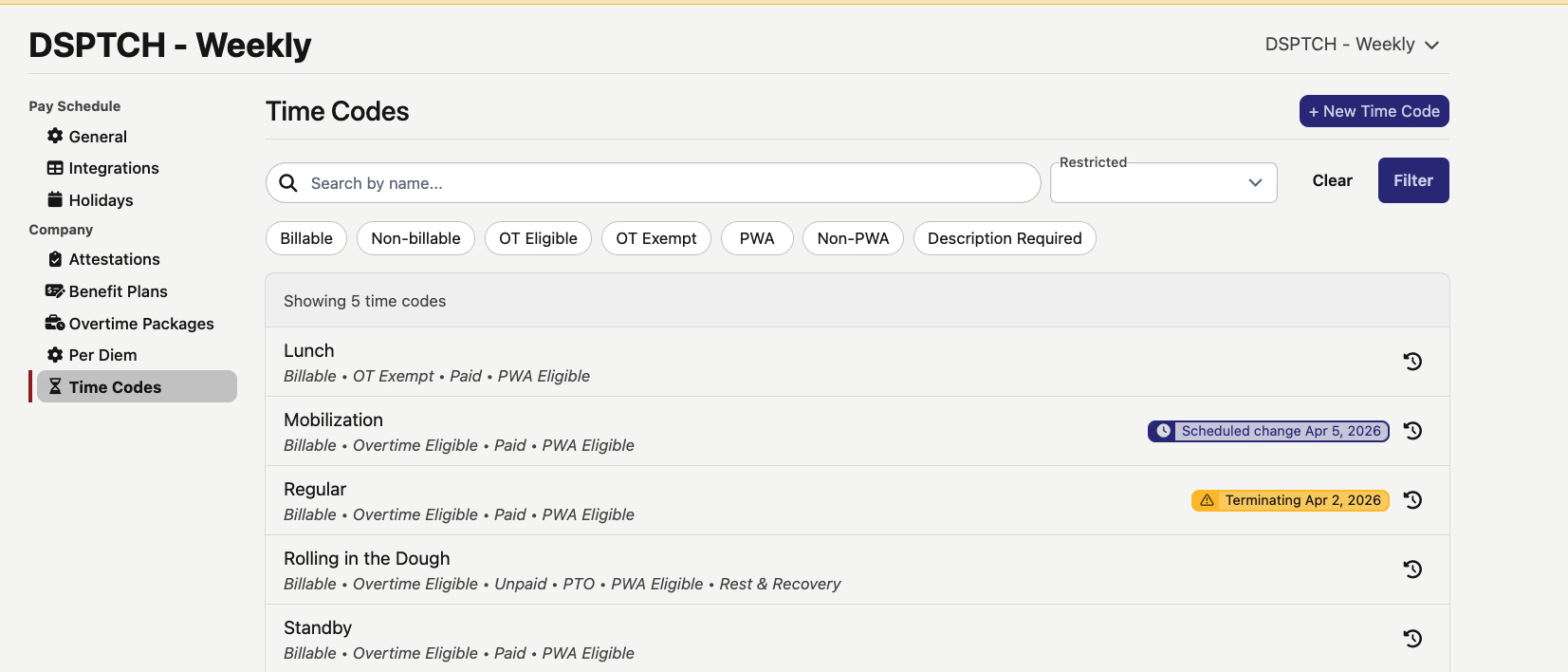
Both actions have moved from the index row to the timecode's show page, so you can see the timecode's current state before making changes. The show page header also displays status pills (like "Scheduled change" or "Terminating") so you know what's going on at a glance.
🏗️ Grouped Asset Picker on Time Entries
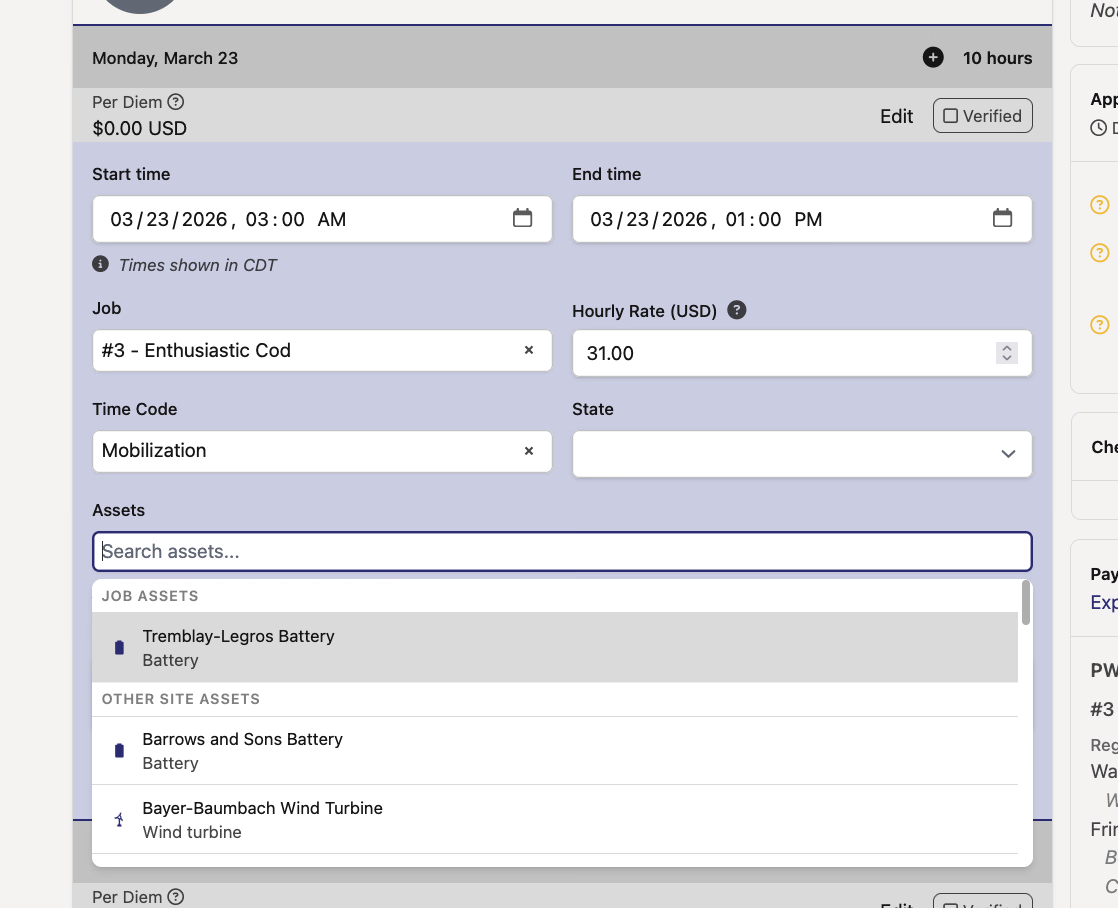
When logging time against a job that has specific assets configured, the asset dropdown now separates them into two sections: Job Assets (the ones explicitly assigned to the job) and Other Site Assets (everything else on the site). This matches how the mobile app already handles it and makes it easier to find the right asset without scrolling through unrelated options.
If the job doesn't have explicit assets configured, the dropdown stays flat — no empty headers cluttering things up.
A few quality-of-life wins this round, especially if you work with form assignments or timecodes regularly. As always, reach out if you have any questions!
The DSPTCH Team