Map Search
Search
In the Map, you can Search for Locations. To Search, start by typing in the Search Bar! As you type, the best matching Locations will appear in the Search Tray. Select a Location to find out more information about the Location, and most importantly, Navigate to the Location!
Search Tray
In the Map Screen, the Map Search Tray is located at the bottom of the screen. To expand the Map Search Tray, swipe up on the area above the Map Search Bar. To collapse the Map Search Tray, swipe down on the area above the Map Search Bar.
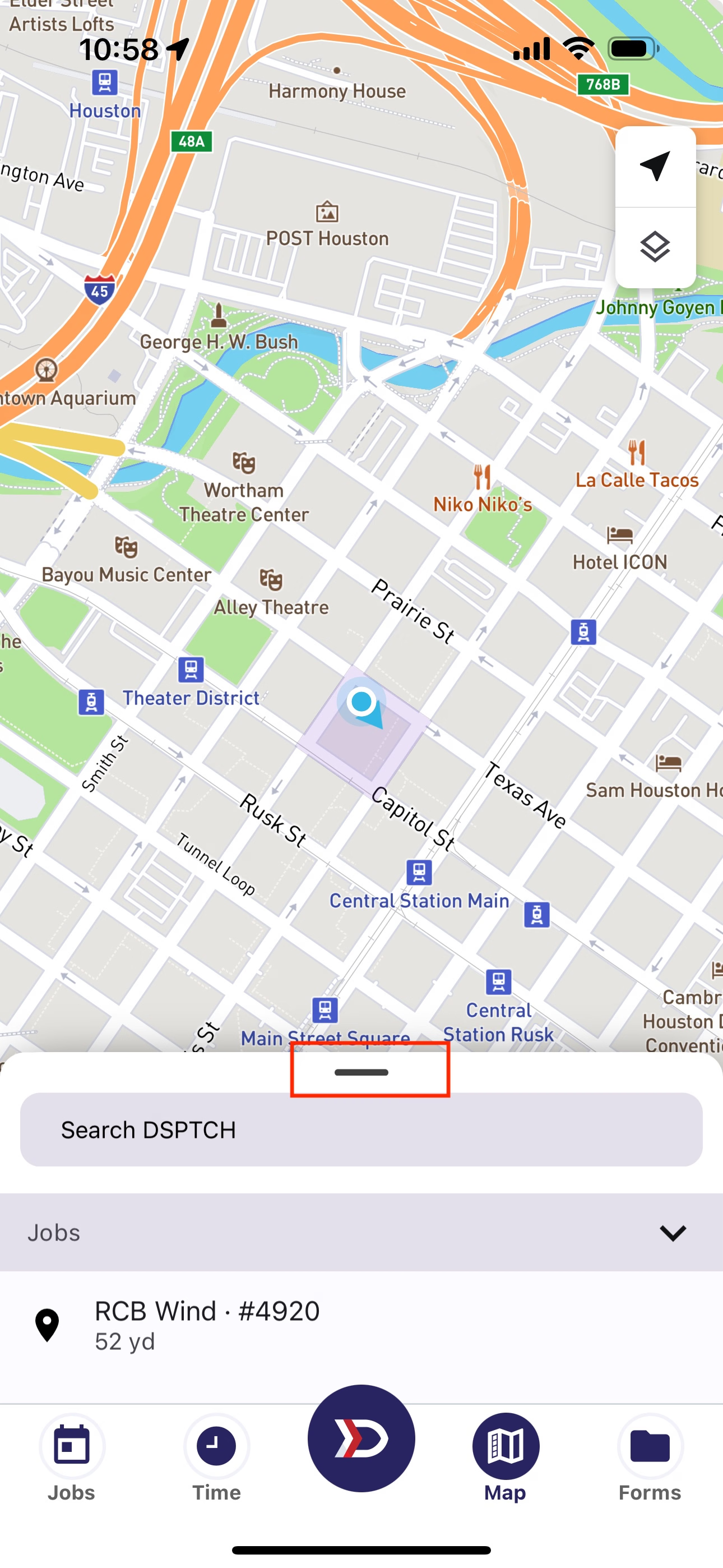
Press here to expand or minimize the Map Search Tray

The Map Search Bar
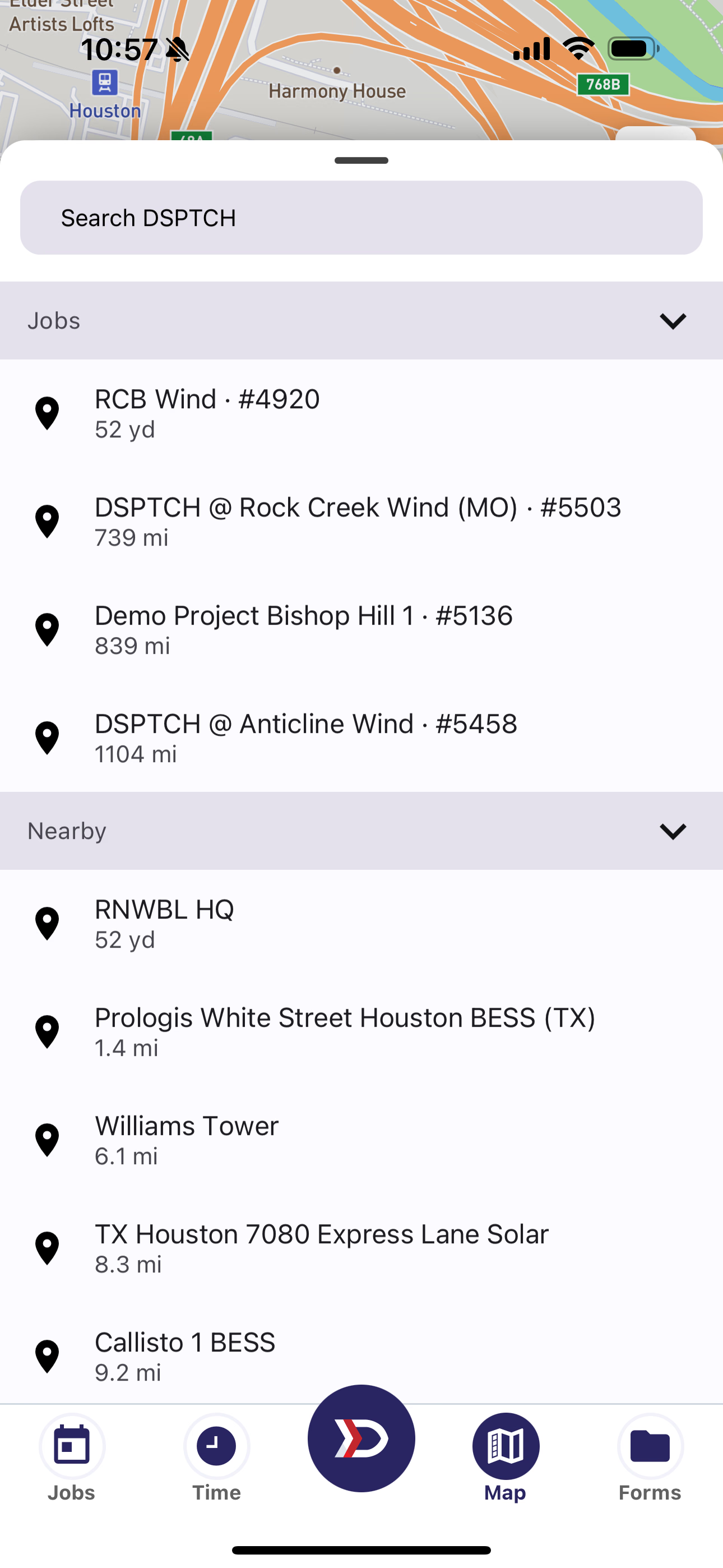
Expanded Map Search Tray Position
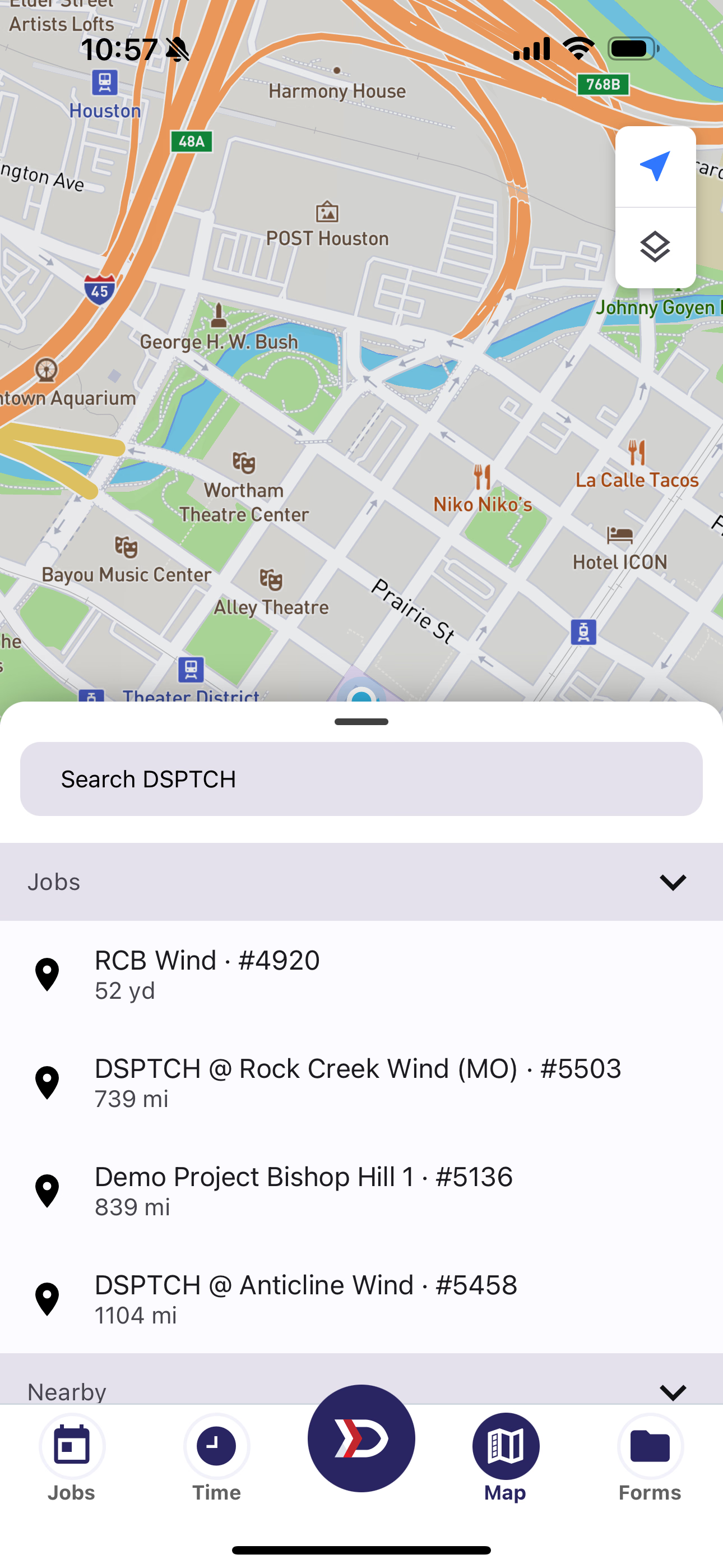
Medium Map Search Tray Position
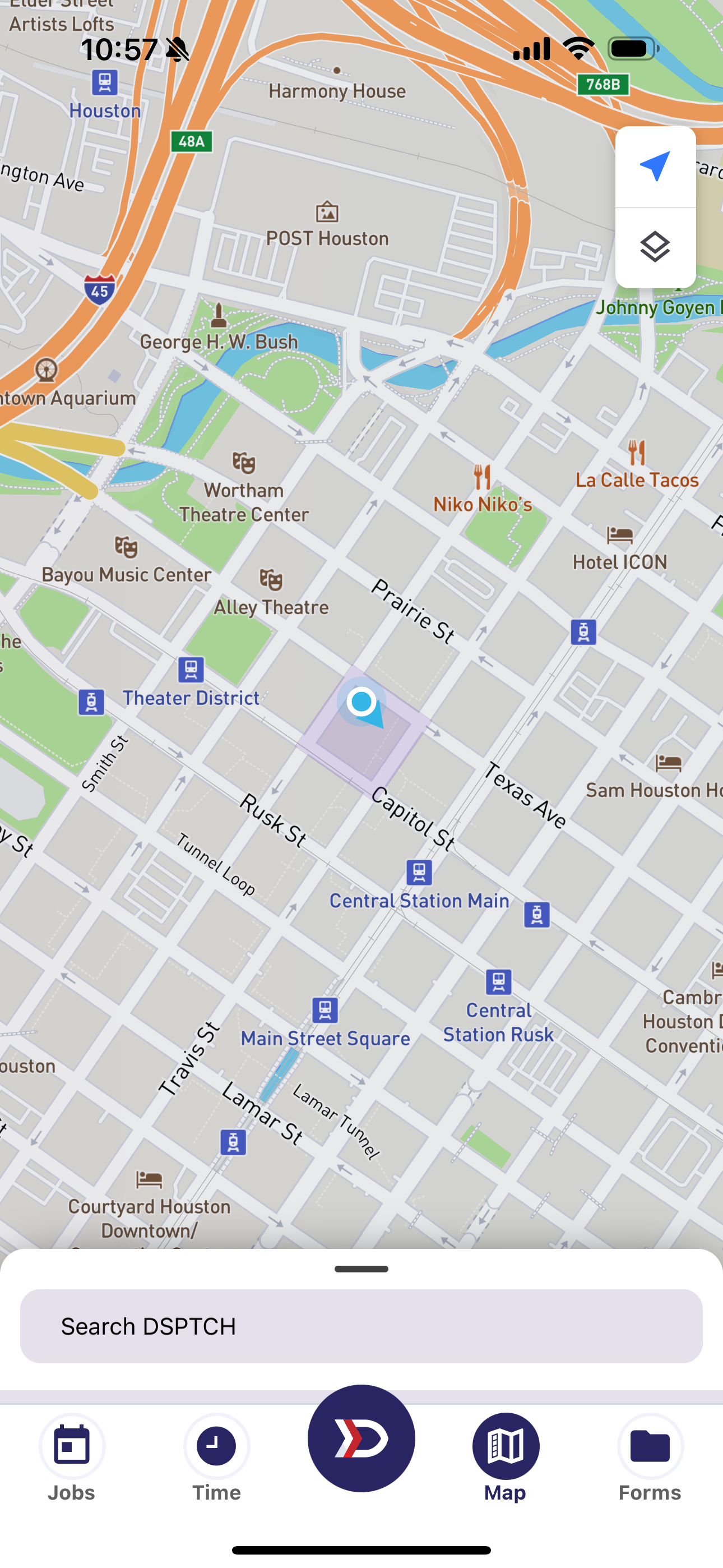
Minimized Map Search Tray Position
Search Sections
Within the Map Search Bar, there are multiple Search Sections.
Map Search Sections are collapsable and expandable. To collapse a Search Section, tap the Down Arrow ⌄ in the Search Section Title. To expand a Search Section, tap the Up Arrow ⌃ in the Search Section Title.
When the Search Bar is empty, the available Search Sections are Jobs, Nearby, and History. These Locations are based on your activity, and not changed by search. The Jobs Section are the Locations associated with your "In Progress" Jobs. The Nearby Section are the DSPTCH Locations closest to your current position. The History Section are places you've selected via search in the past.
In the History Section, you can long press a result to remove it from your Search History.
If it is your first time searching for a Location in DSPTCH, you will not have any results in History. This is also the case if you choose to Clear Map Cache in DSPTCH Settings. For more information on DSPTCH Settings, please see the App Settings docs.
As you type, new Search Sections will appear for Sites, Features, and Places. The Sites Section are the Locations you can see on the map. The Features Section are the Locations contained within a Site. The Places Section are businesses and destinations you might expect in consumer map applications, and not unique to DSPTCH.
Sections not changed by Search Results
- Jobs
- Nearby
- History
Sections change based on Search Results
- Sites
- Features
- Places
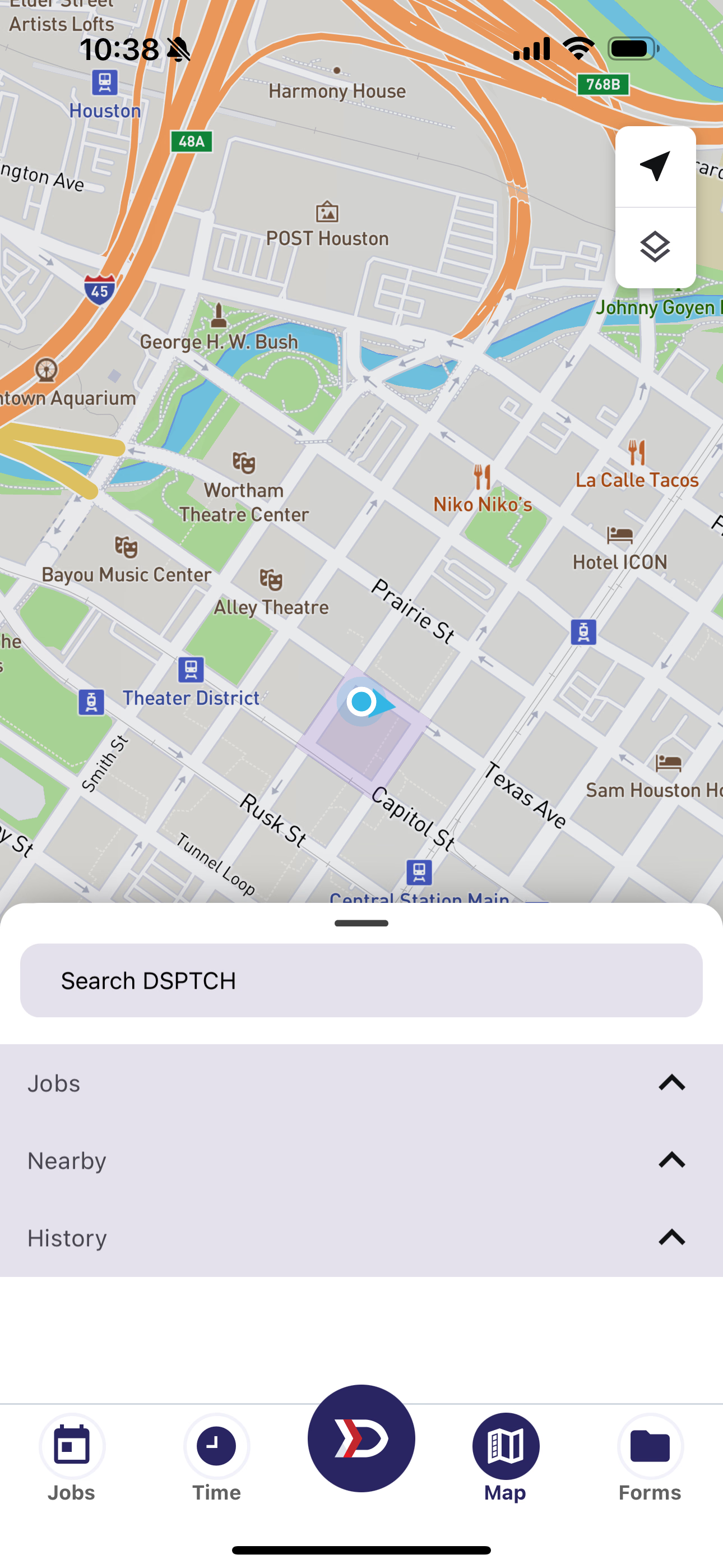
Jobs, Nearby, History Sections appear always
Jobs
Want to find out more information about the place where your job is at? click on a site under job to find out more and navigate to site.
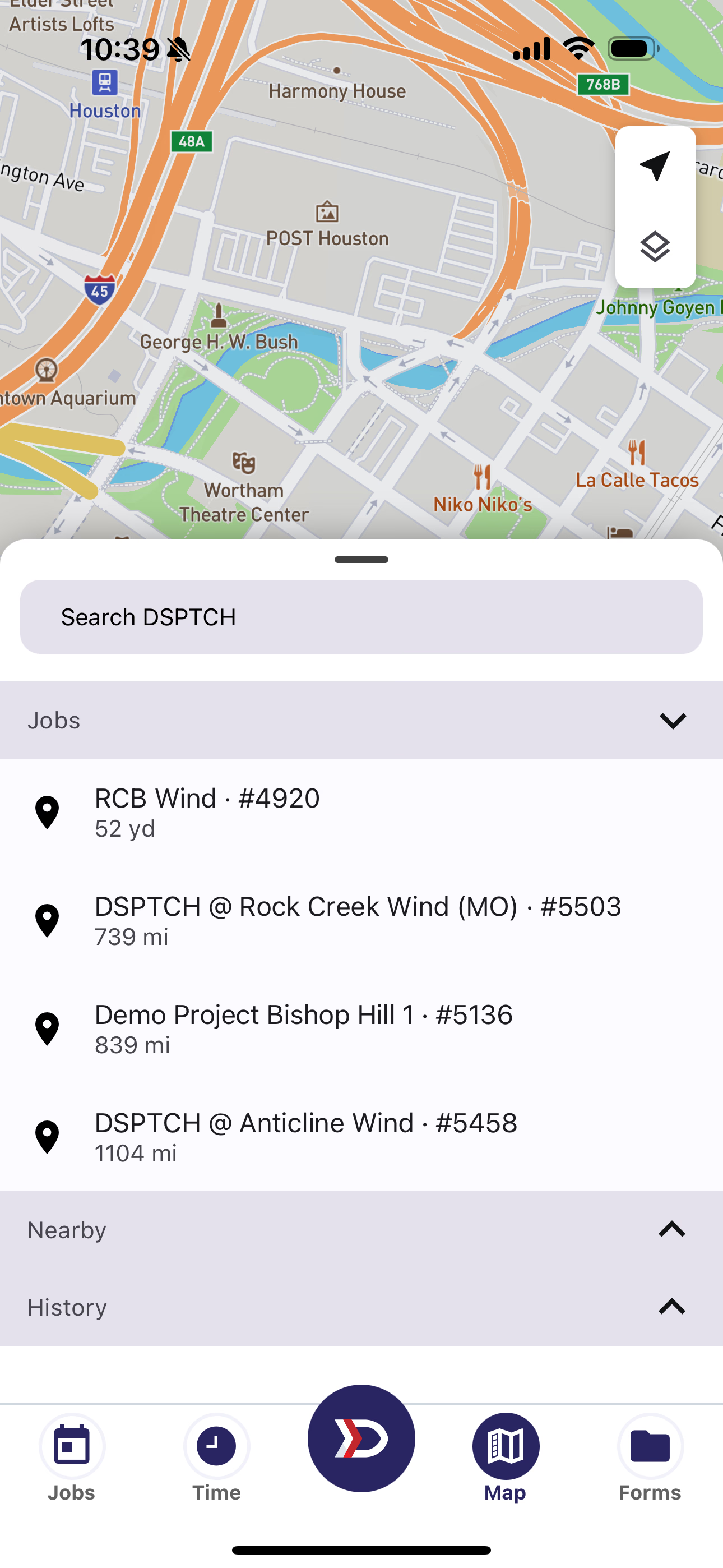
Jobs contains the Locations associated with In Progress Jobs
Nearby
Find the nearest DSPTCH sites to your current known Location. Results are order by distance from your Location
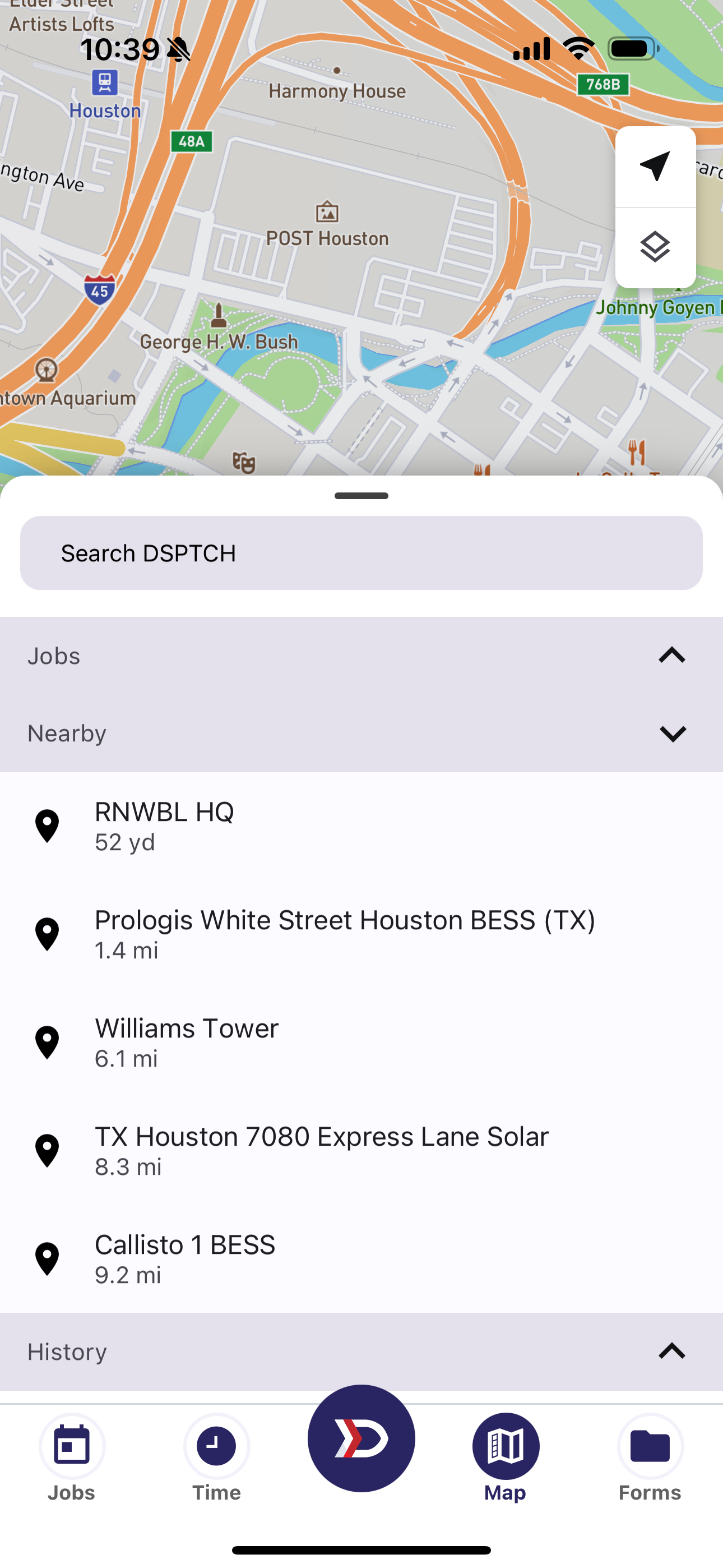
The closest DSPTCH Sites to your location
Search History
Want to make another trip to somewhere you've already been? You can check in the History section for recent Locations in your search results.
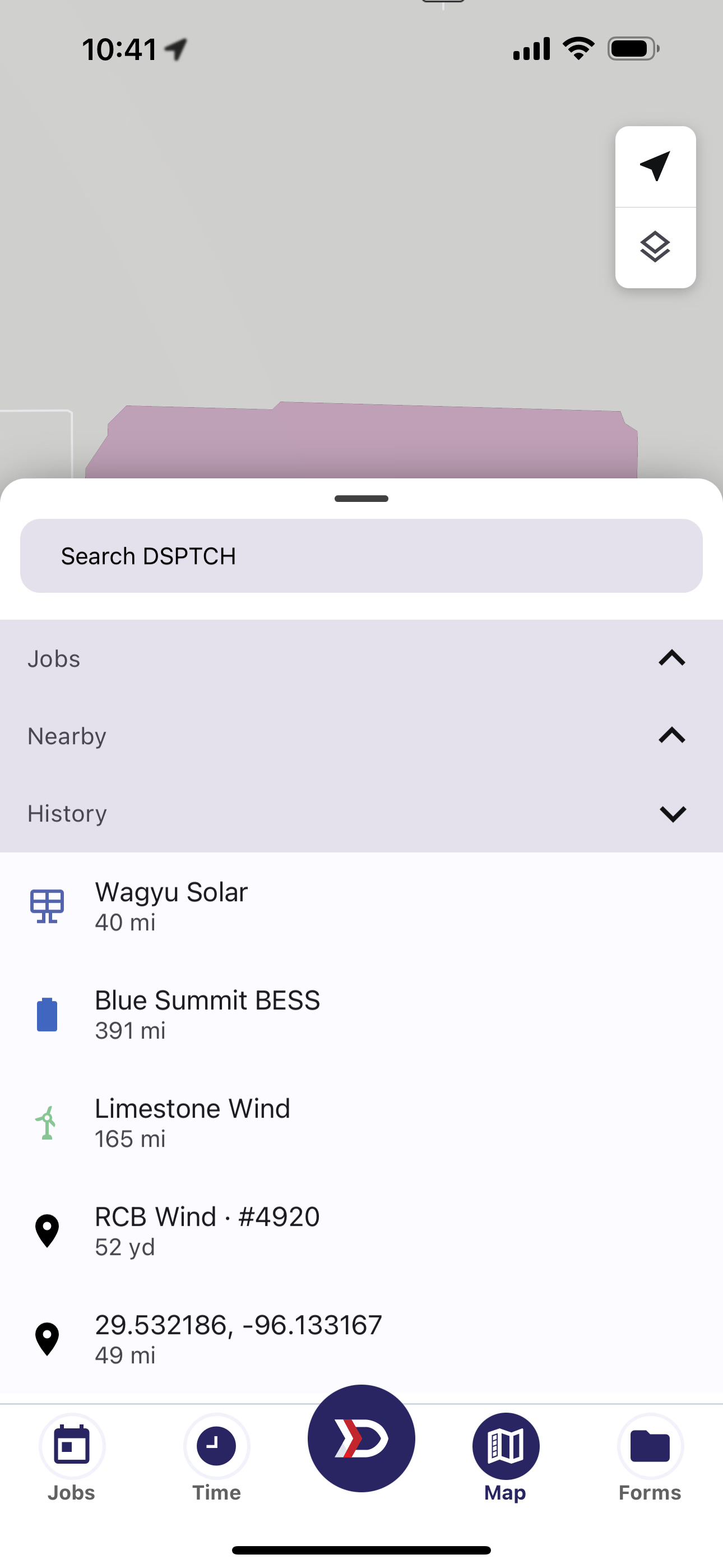
Places you've searched for in the past
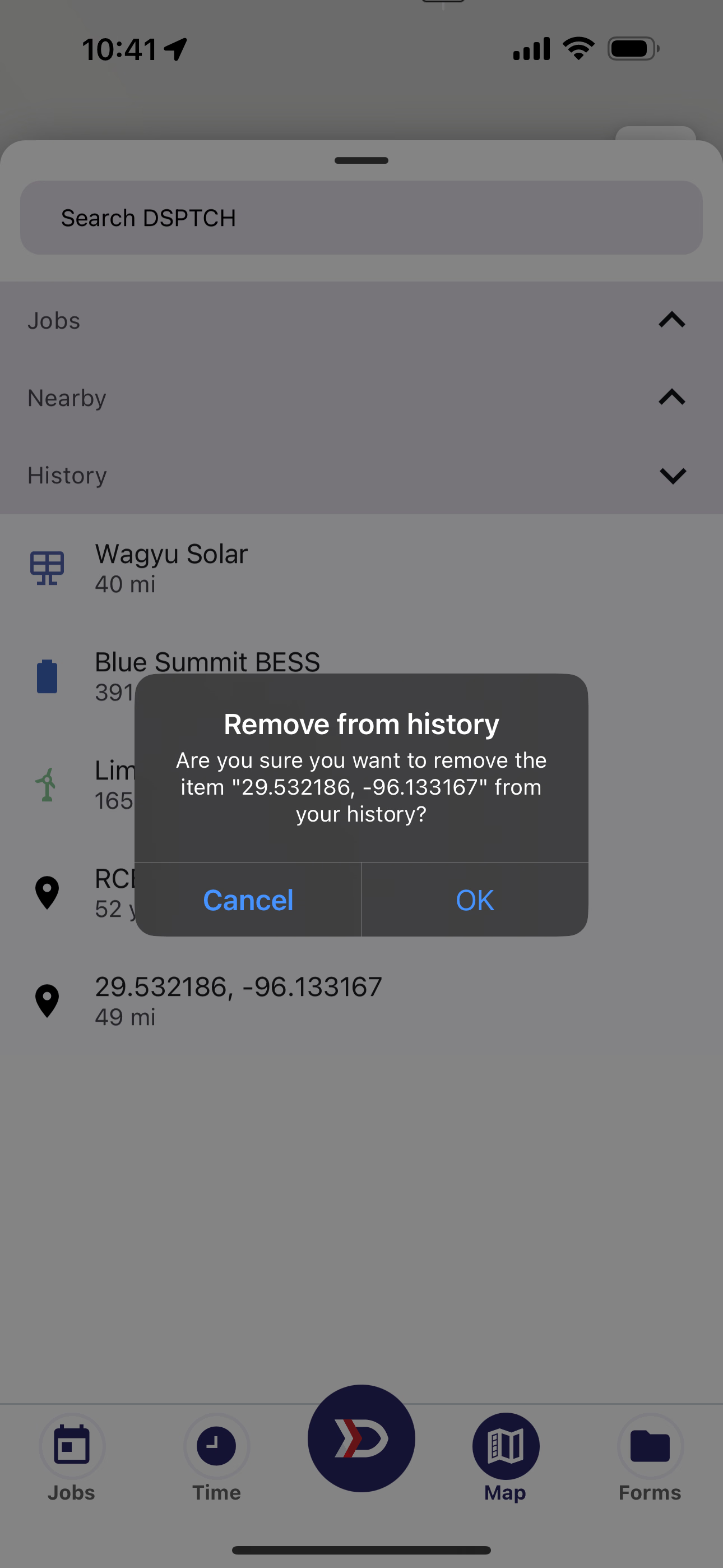
Long press on a location to remove from your history
Sites
Sites are the big colorful blobs you see on the map. Sites are made up of Features. Sites have Information, Contacts, and Documents associated with it.
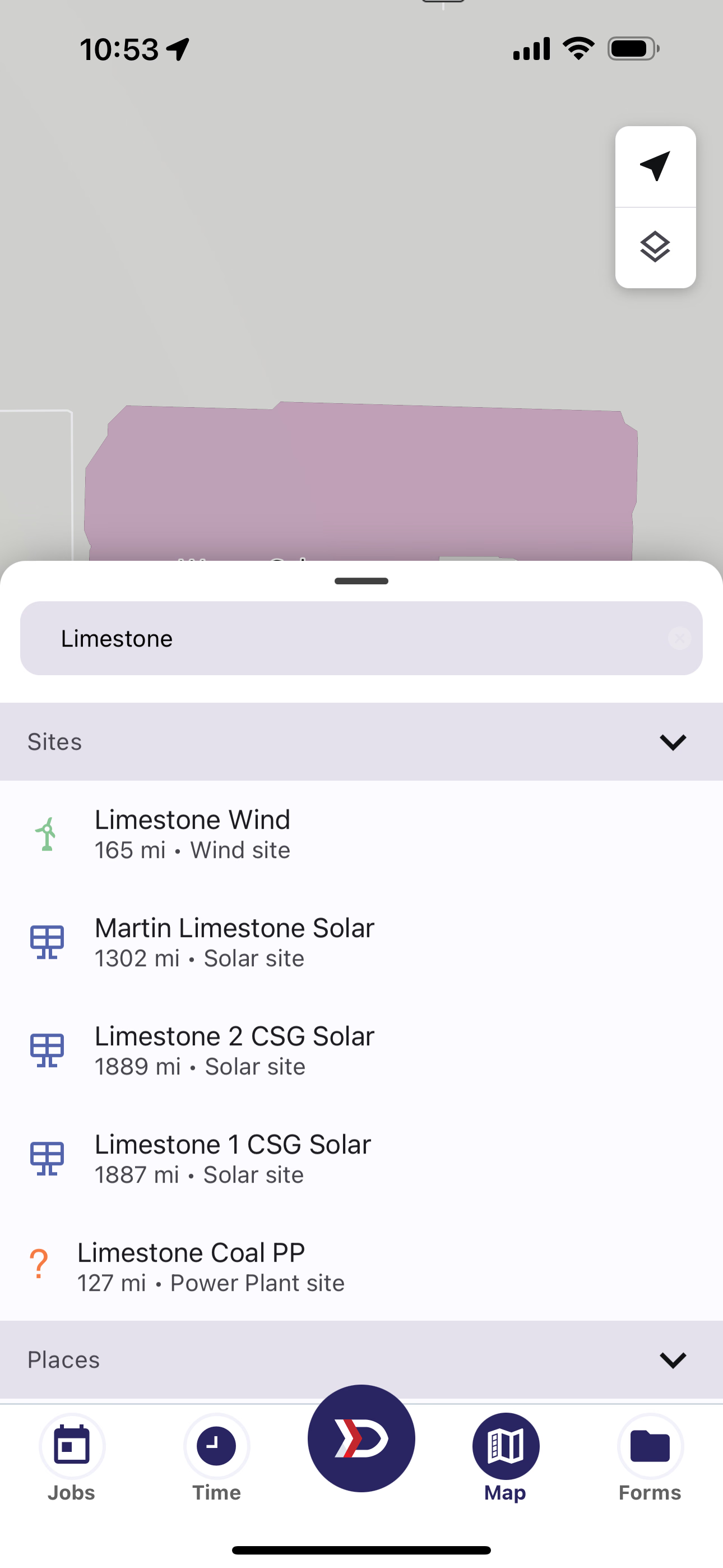
Sites that contain the word "Limestone"
Features
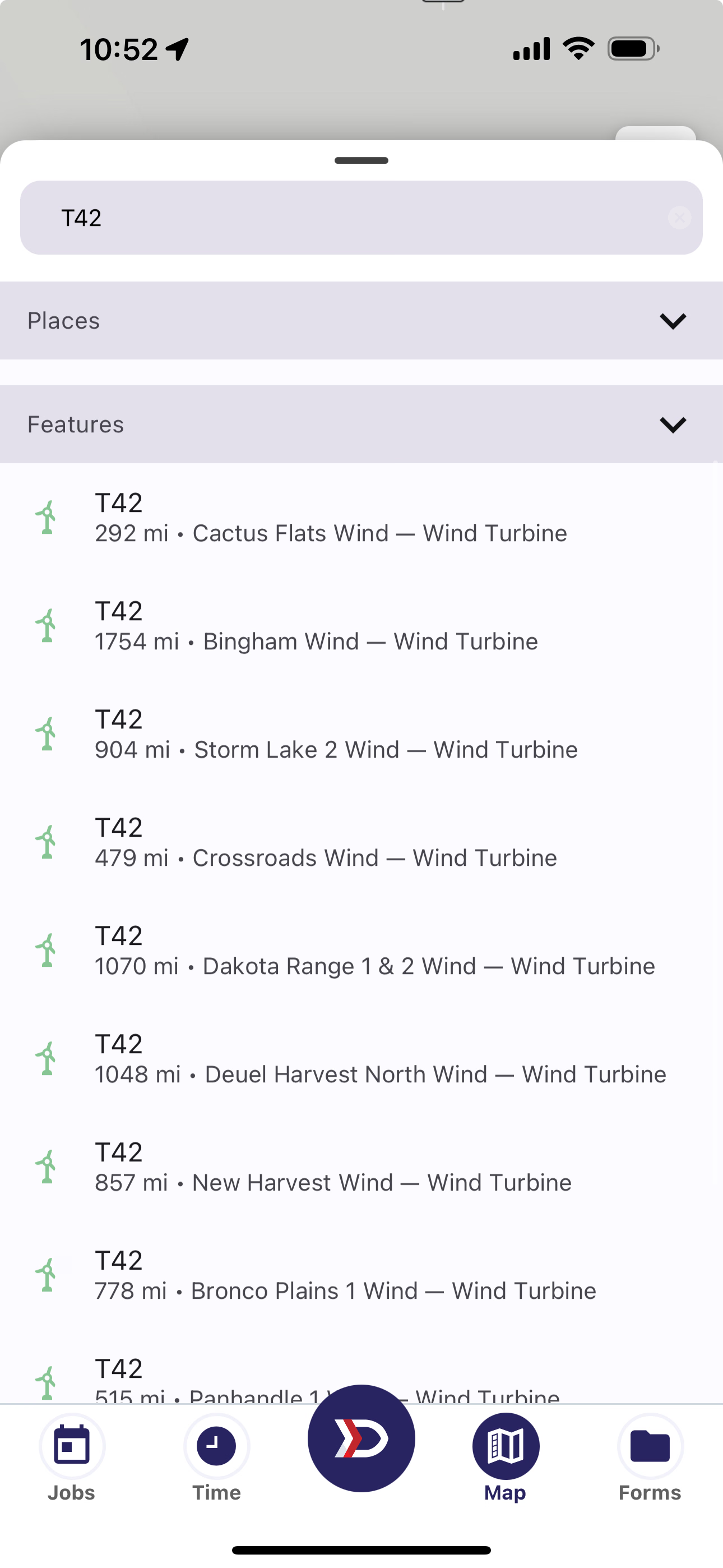
Features that match the name "T42"
Places
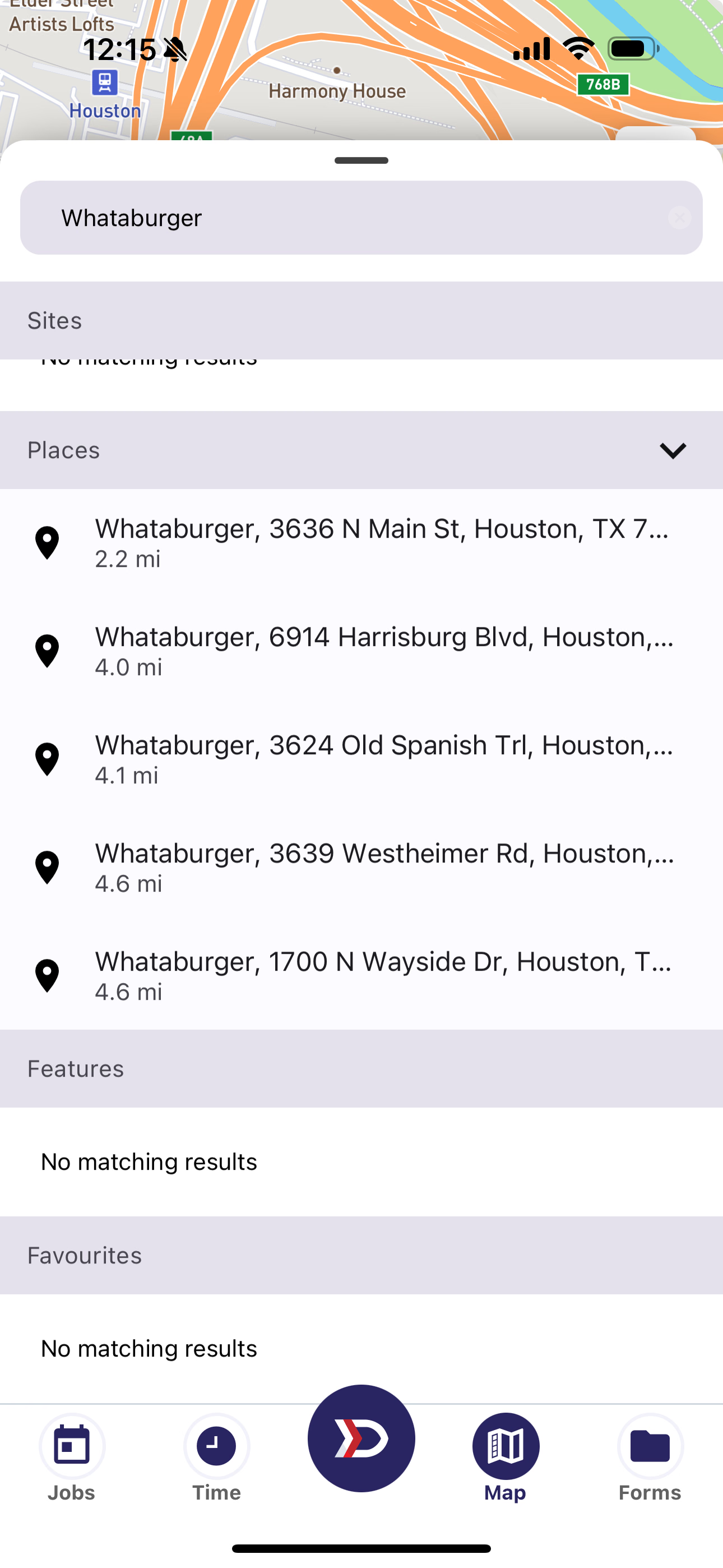
Locations of interest, not unique to DSPTCH