Clear Cache
How to Clear Cache
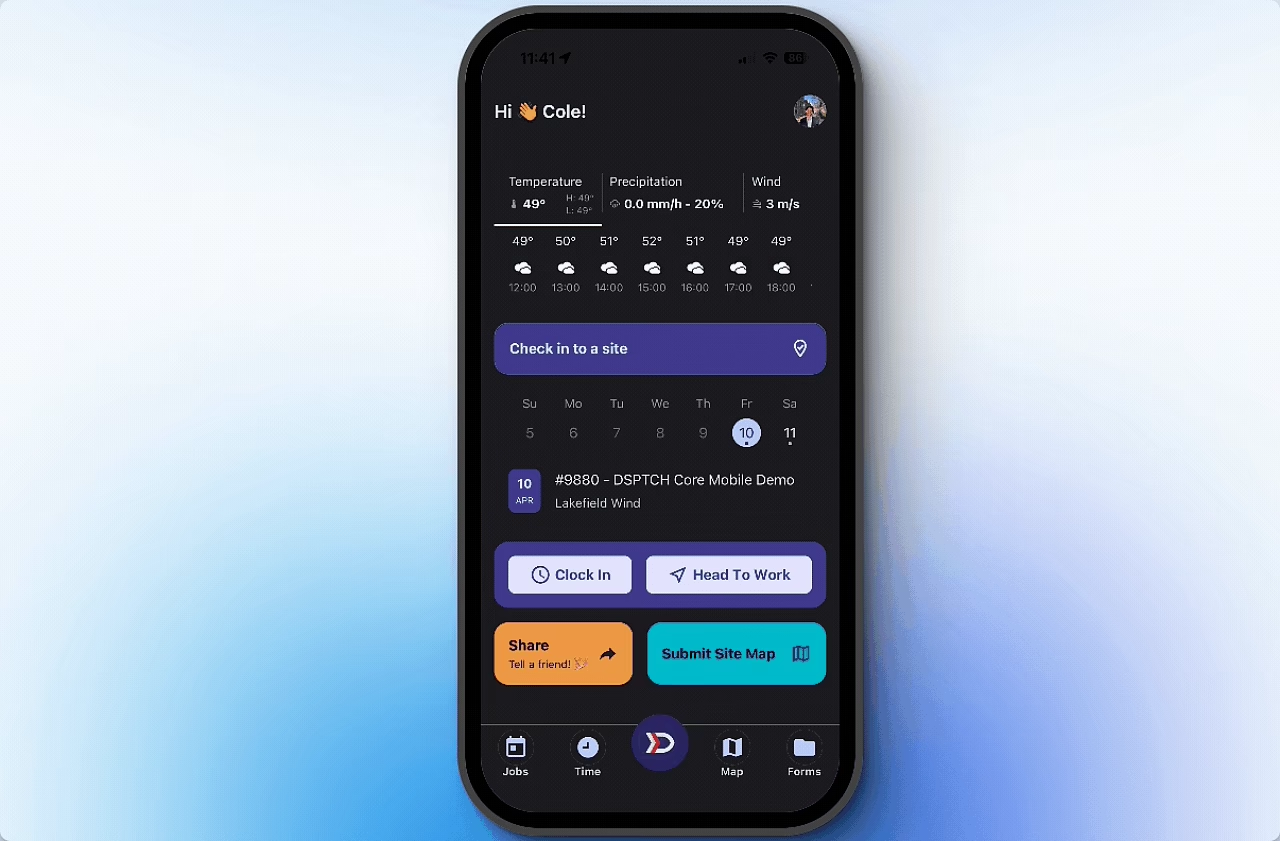
To Clear Cache, start by clicking the DSPTCH Logo button at from the primary navigation bar at the bottom of the screen.
Then, click the "Settings" button. Lastly, click the "Clear Cache" button.
Please see the video below for illustration: