App Settings
How to Open Settings
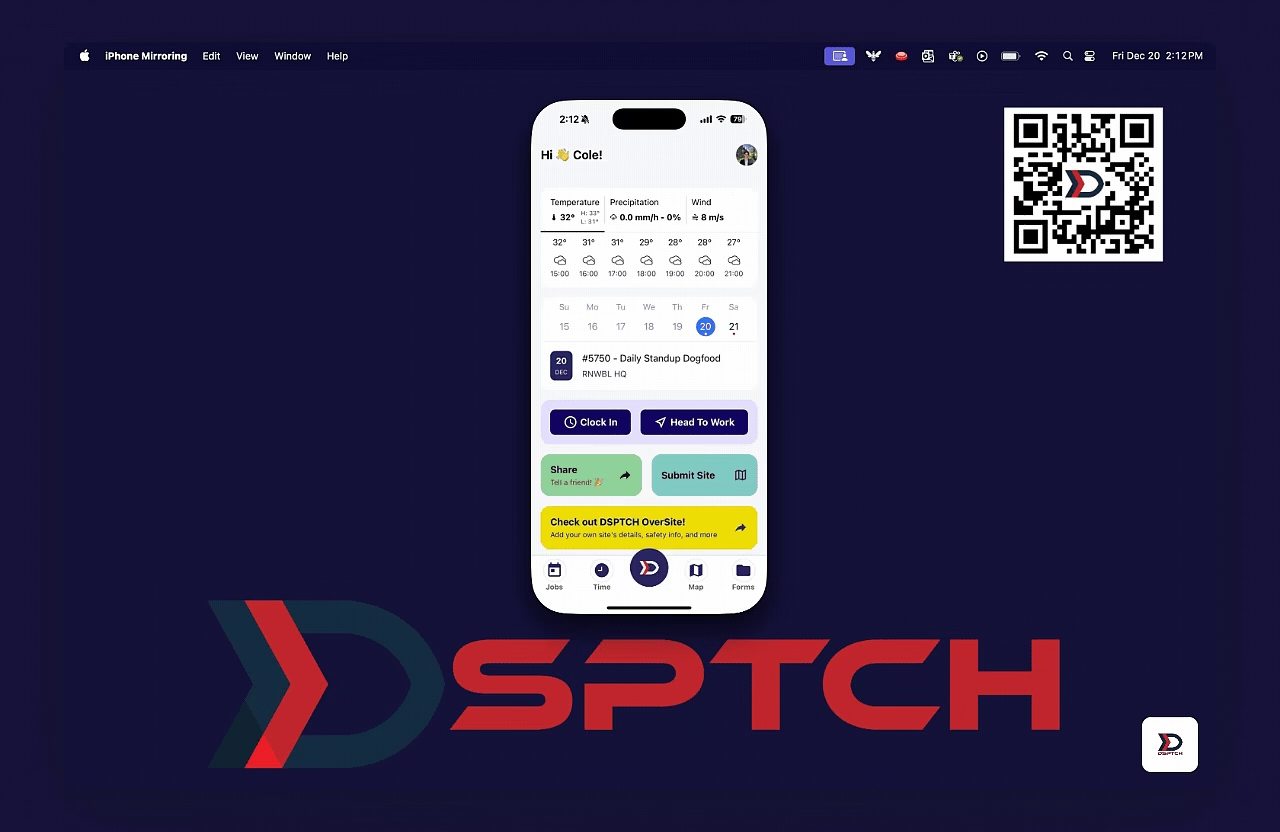
To open Settings, click the DSPTCH logo at the bottom navigation bar on DSPTCH mobile and then select "Settings".
Setting Options
There are four options within DSPTCH settings.
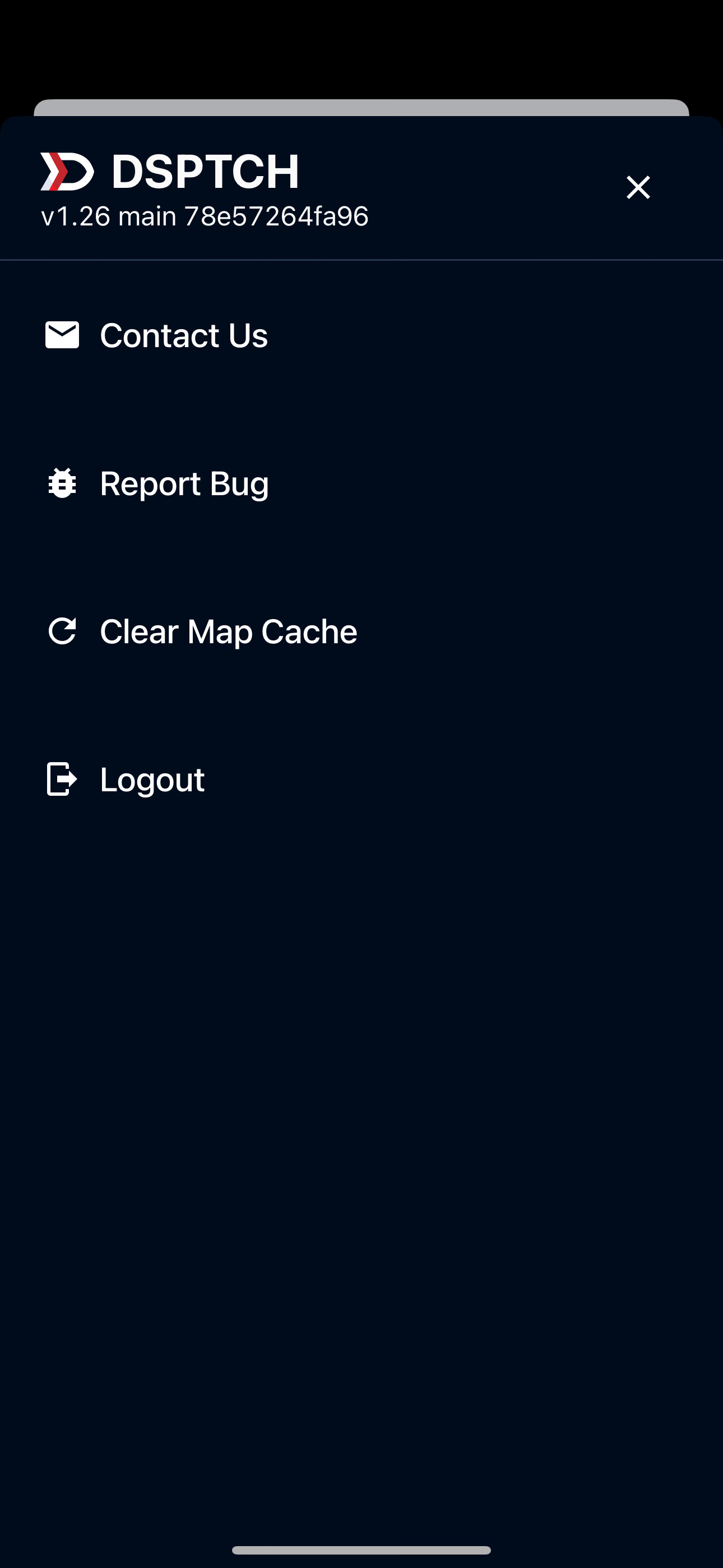
Contact Us
Clicking "Contact Us" will open an email addressed to help@dsptch.work. We try our best to respond ASAP!
Report Bug
Clicking "Report Bug" will open an email addressed to help@dsptch.work. Please detail the issue with as much detail as possible. Screenshots help!
Clear Map Cache
Clicking "Clear Map Cache" will clear map data previously logged. For instance, this will remove your history of locations searched for.
Logout
Clicking "Logout" will log you out of your account.