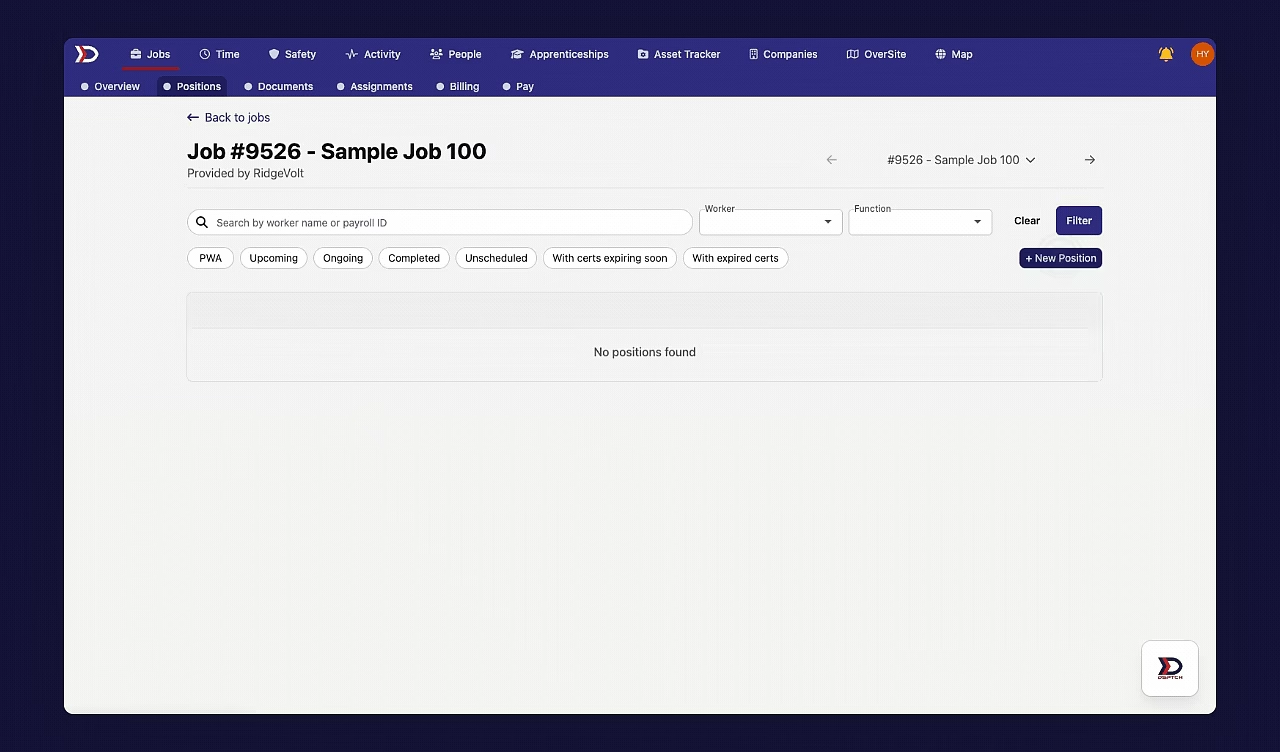
Hourly Rate Hierarchy
Hourly rates in DSPTCH can come from several sources: apprenticeship wage schedules, prevailing wage determinations, user default rates, or custom position rates. This article covers the pecking order — which rate wins when multiple apply — and how the winning rate flows through to time entries.
For instructions on creating or editing the rates themselves, see the canonical docs cross-linked from each pecking-order bullet below.
PWA-Eligible vs. PWA-Ineligible Hourly Rates
For positions with PWA tracking enabled, there are two categories of hourly rates:
- PWA-Eligible Hourly Rate
- The hourly rate for work where the work scope falls under construction, alteration, or repair.
- PWA-Ineligible Hourly Rate
- The hourly rate for work where the work scope does NOT fall under construction, alteration, or repair.
Whether an hour is treated as PWA-eligible or PWA-ineligible is custom-scoped for your company and determined by the configuration of the active time code. In other words, a time code can be set to be either PWA-eligible or PWA-ineligible in the "Settings" page of the "Time" tab.
PWA-eligible hours for a position are multiplied by the PWA-eligible hourly rate to calculate total earnings for those hours (which is visible in time entries).
PWA-ineligible hours for a position are multiplied by the PWA-ineligible hourly rate to calculate total earnings for those hours (which is visible in time entries).
The Pecking Order of PWA-Eligible Hourly Rates
The "pecking order" of hourly rates refers to which rate takes priority when multiple rates apply. In DSPTCH, higher-priority hourly rates override those with lower priority. The pecking order for PWA-eligible hourly rates is as follows:
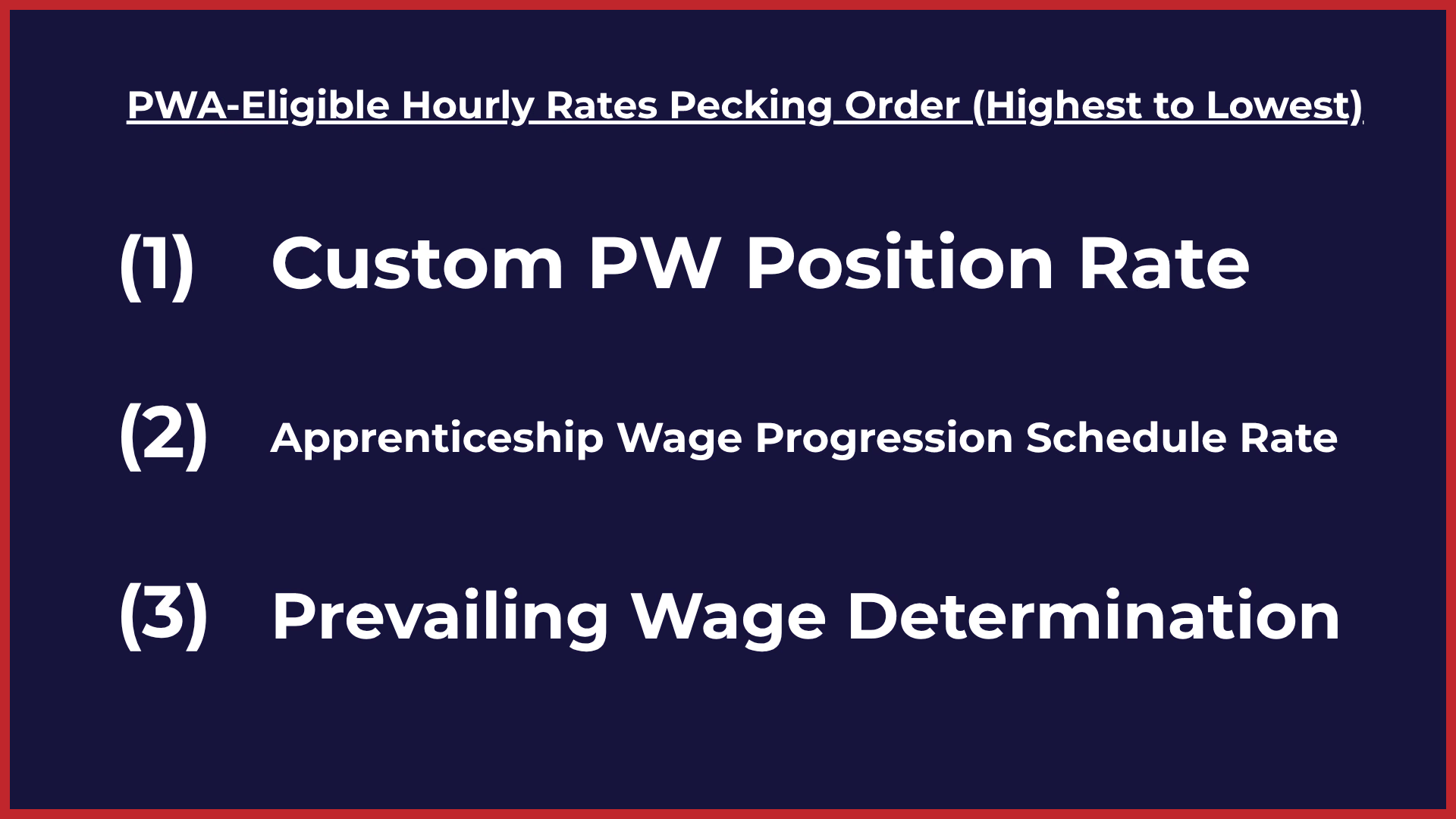
- Custom PW Position Rate
- A custom position rate is a manual override for the PWA-eligible hourly rate set at the position level.
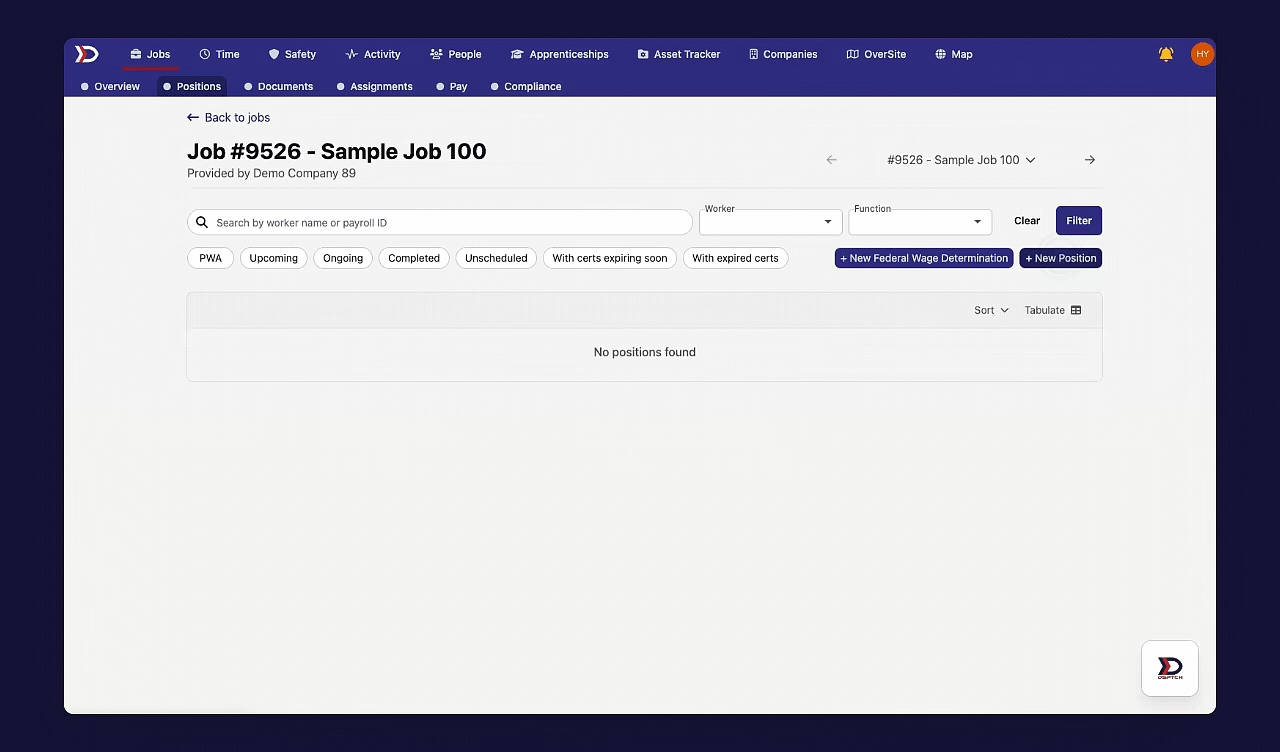
- Set via the "PWA Wage Pay Rate" field on a position. See Positions.
- Prevailing Wage Determination
- For jobs required to comply with PWA standards, the prevailing wage determination is the minimum hourly rate that a worker is required to be paid.
- Created and managed under a job's Compliance tab. See Wage Determinations.
- Apprenticeship Wage Progression Schedule
- The hourly rate for an apprentice may increase as experience thresholds are reached. These thresholds are based on the total number of hours worked. DSPTCH flags when these thresholds have been met and automatically increases an apprentice's hourly rate.
- Configured via apprenticeship programs. See Wage Schedule.
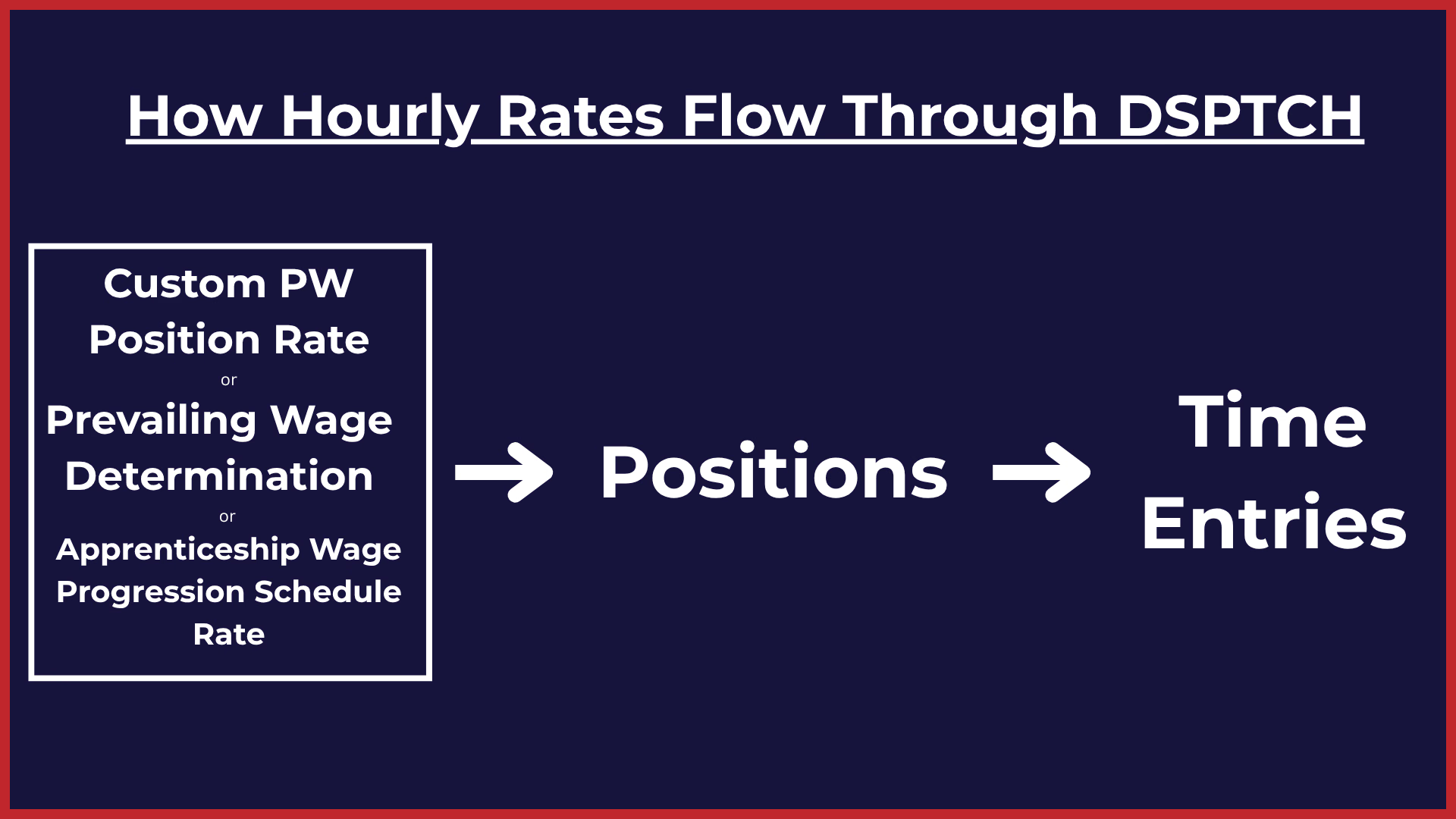
Example Scenario (1): Prevailing Wage Determination Flows Through to Time Entries
If a position is created on a PWA job with a wage determination of $24/hr, with no custom PWA-eligible position rate set (i.e. the "PWA Wage Pay Rate (USD)" field is left blank), the position will default to a PWA-eligible hourly rate of $24/hr.
As a result, all time entries associated with the position will use the $24/hr rate. In this case, the hourly rate for the user's time entries (which ultimately dictate the user's take-home pay) is sourced from the prevailing wage determination, with no higher-priority rates overriding it.
Example Scenario (2): Apprenticeship Wage Progression Schedule Rate Flows Through to Time Entries
Assume that a Position is created for an apprentice on a PWA job with a wage determination of $24/hr. This apprentice has 1500 hours accrued in their apprenticeship program which, as defined by their apprenticeship wage progression schedule, dictates that they should earn 87.5% of the journeyworker's rate.
As a result, all time entries associated with the position will use the $21/hr rate ($24/hr * .875). In this case, the hourly rate for the user's time entries (which ultimately dictate the user's take-home pay) is sourced from the apprenticeship wage progression schedule, as it is the highest priority hourly rate.
If the apprentice accrues enough hours to move to the next period of their wage progression schedule (e.g. at 2000 hours, they earn 95% of the journeyworker wage and earn $22.80/hr), DSPTCH will automatically update their PWA-eligible hourly wage rate on the position.
Example Scenario (3): Custom PW Position Rate Overrides All Other Hourly Rates and Flows Through to Time Entries
If a position is created on a PWA Job with a wage determination of $24/hr and a custom PW position rate set to $25/hr, the position will default to a PWA-eligible hourly rate of $25/hr.
As a result, all time entries associated with the position will use the $25/hr rate. In this case, the hourly rate for the user's time entries (which ultimately dictate the user's take-home pay) is sourced from the custom position rate, as it is the highest priority hourly rate.
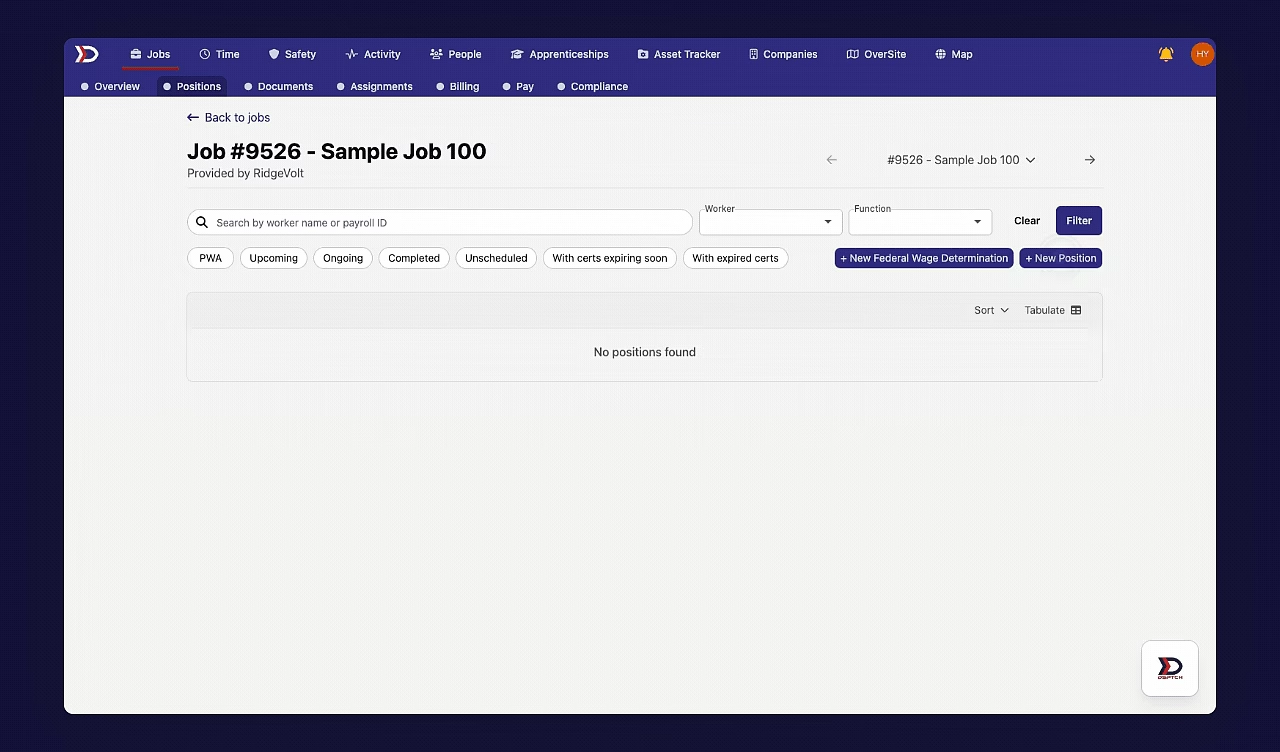
The Pecking Order of PWA-Ineligible Hourly Rates
The pecking order for PWA-ineligible hourly rates is as follows:
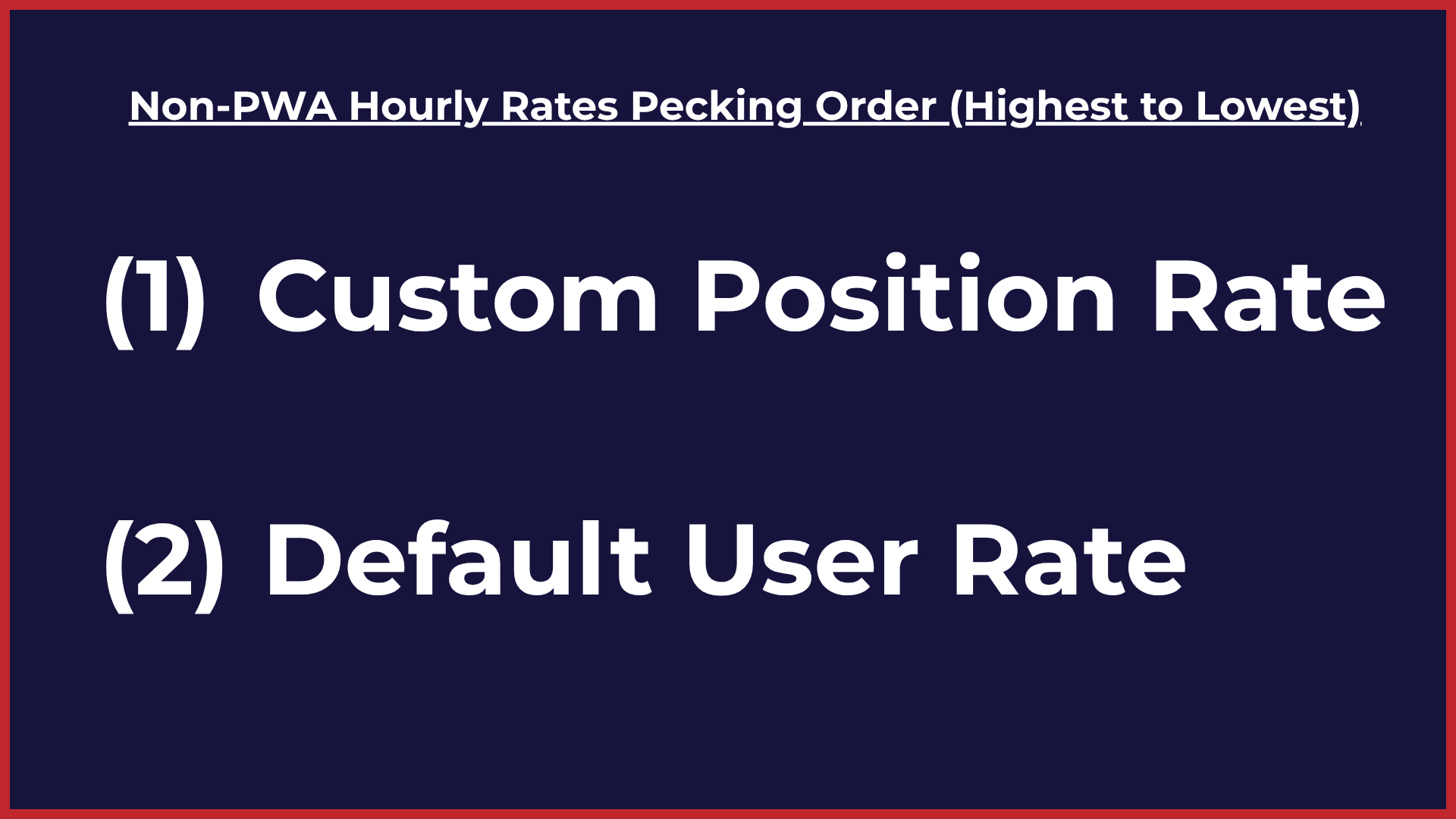
- Custom Position Rate
- A custom position rate is a manual override for a PWA-ineligible hourly rate set at the position level.
- Set via the "Hourly Rate" field on a position. See Positions.
- Default User Rate
- The default user rate is the PWA-ineligible hourly rate set in the user's profile. It is used automatically unless a higher-priority rate overrides it.
- Set during user creation (see Creating & Inviting Users), and updated via the Schedule Pay Change form (see Pay Changes).
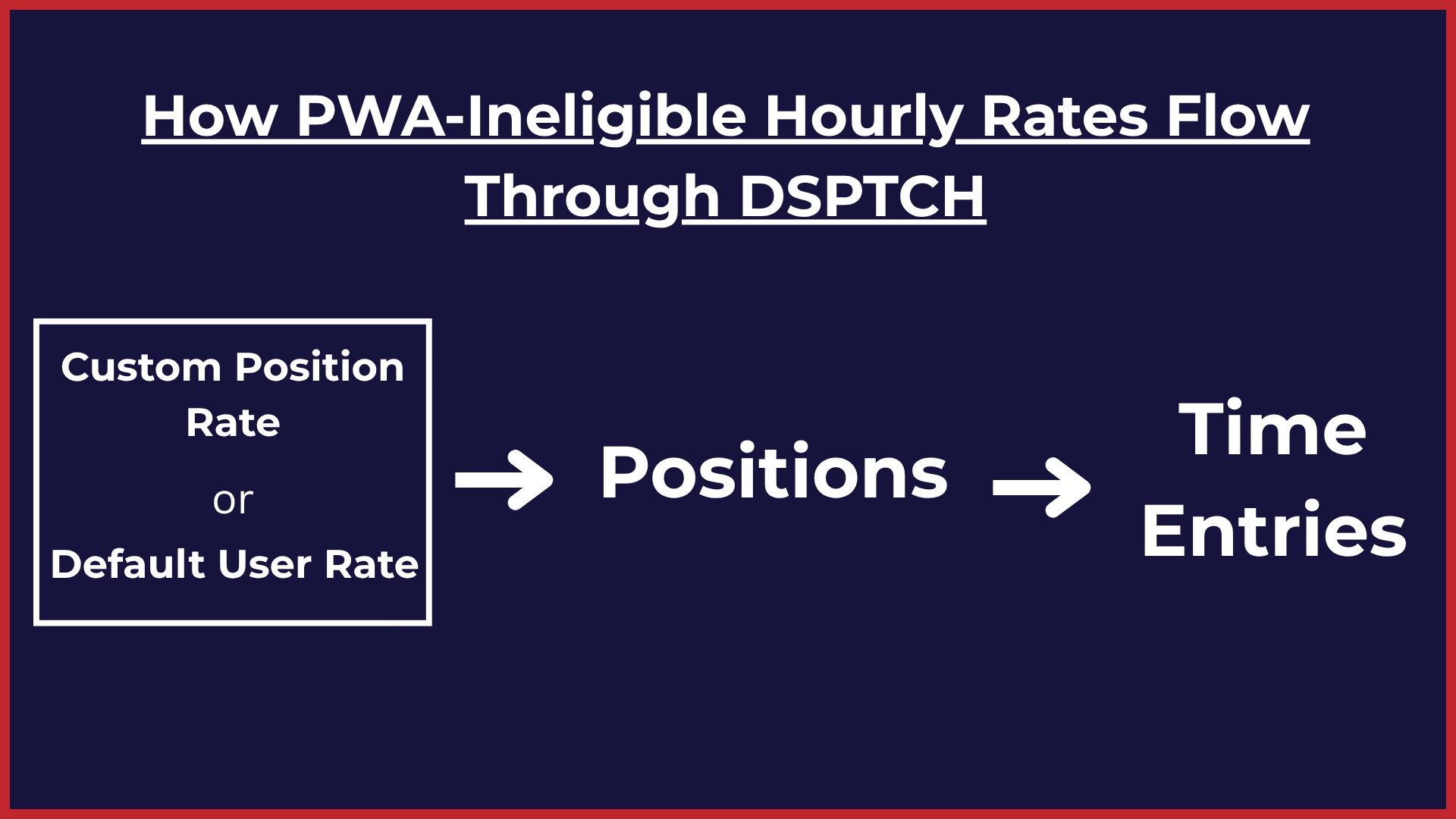
To better understand the hourly rates pecking order, it is important to understand how PWA-ineligible hourly rates "flow" through DSPTCH. Please refer to the diagram below:
Example Scenarios
Example Scenario (1): Default User Rate flows through to Time Entries
If a user has a default user rate of $15/hr, and a position is created on a non-PWA job without a custom position rate and with the "Hourly Rate" field left blank, the position will automatically default to an hourly rate of $15/hr.
As a result, all time entries associated with the position will use the $15/hr rate. In this case, the hourly rate for the user's time entries (which ultimately dictate the user's take-home pay) is sourced from the default user rate, with no higher-priority rates overriding it.
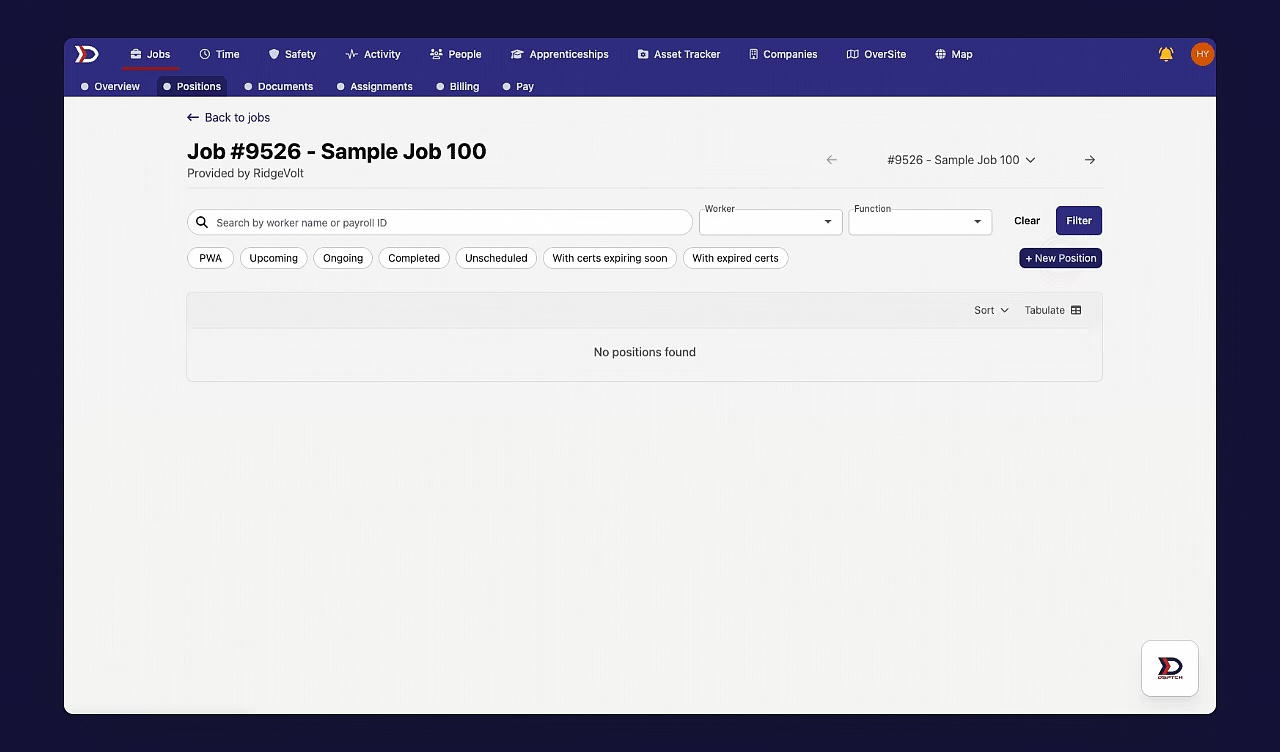
Example Scenario (2): Custom Position Rate Overrides the Default User Rate
Assume that a user has a default user rate of $21/hr. If a position is created on a job with a custom position rate set to $23/hr, the position will default to an hourly rate of $23/hr.
As a result, all time entries associated with the position will use the $23/hr rate. In this case, the hourly rate for the user's time entries (which ultimately dictate the user's take-home pay) is sourced from the custom position rate, as it is the highest priority hourly rate.