Info
As part of the Job Card, The Job Info Tab contains important, relevant information related to your Job. This includes information such as:
- Client Name
- Service Company Name
- Location
- Job Schedule
- Job Description
- Job Contacts
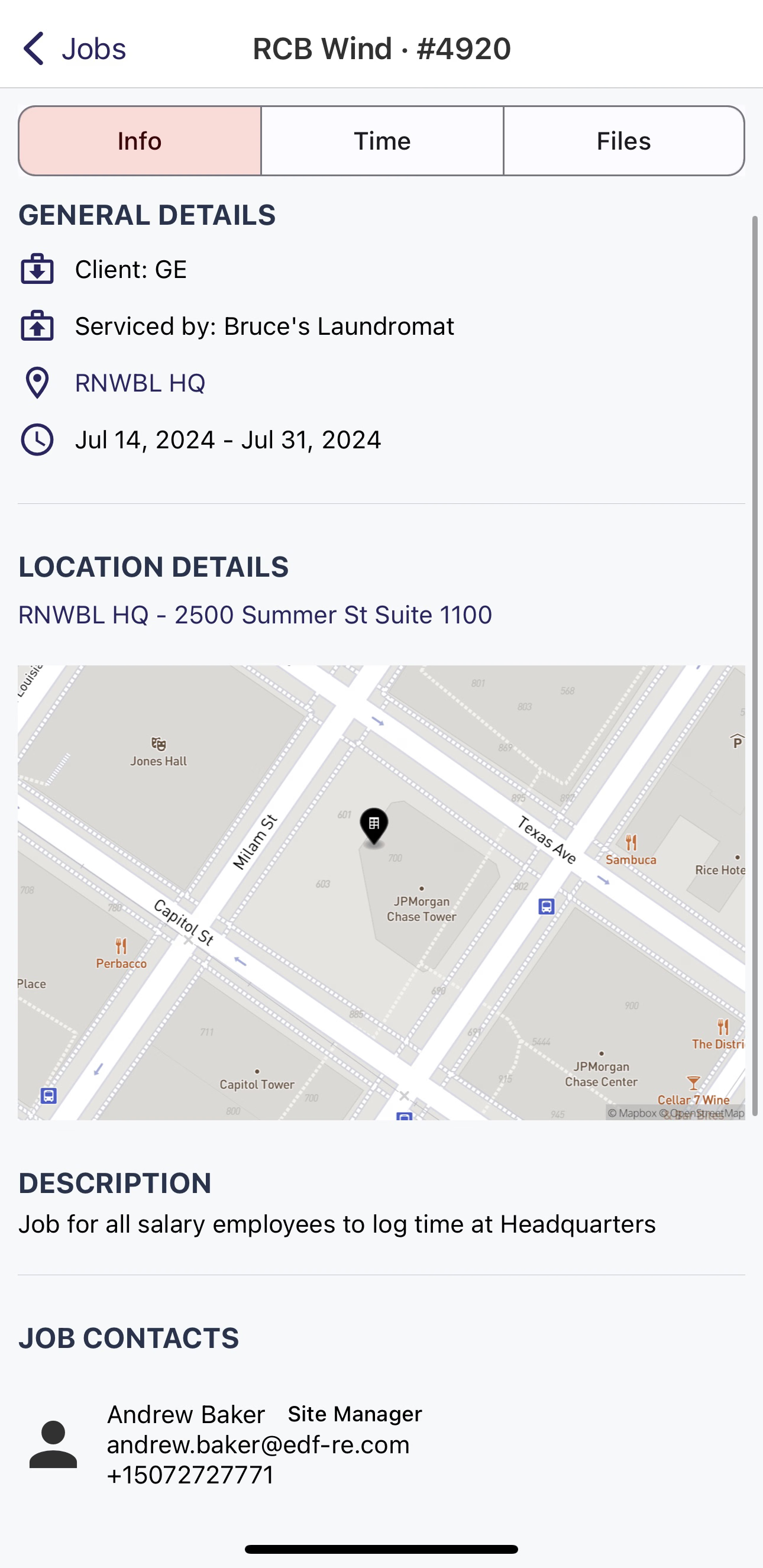
Jobs Info tab
On the Job Info Tab, most of the information is read-only. However, some of the information is interactive.
Location Details
If you tap the map under Location Details, you will be linked to the Map portion of DSPTCH.
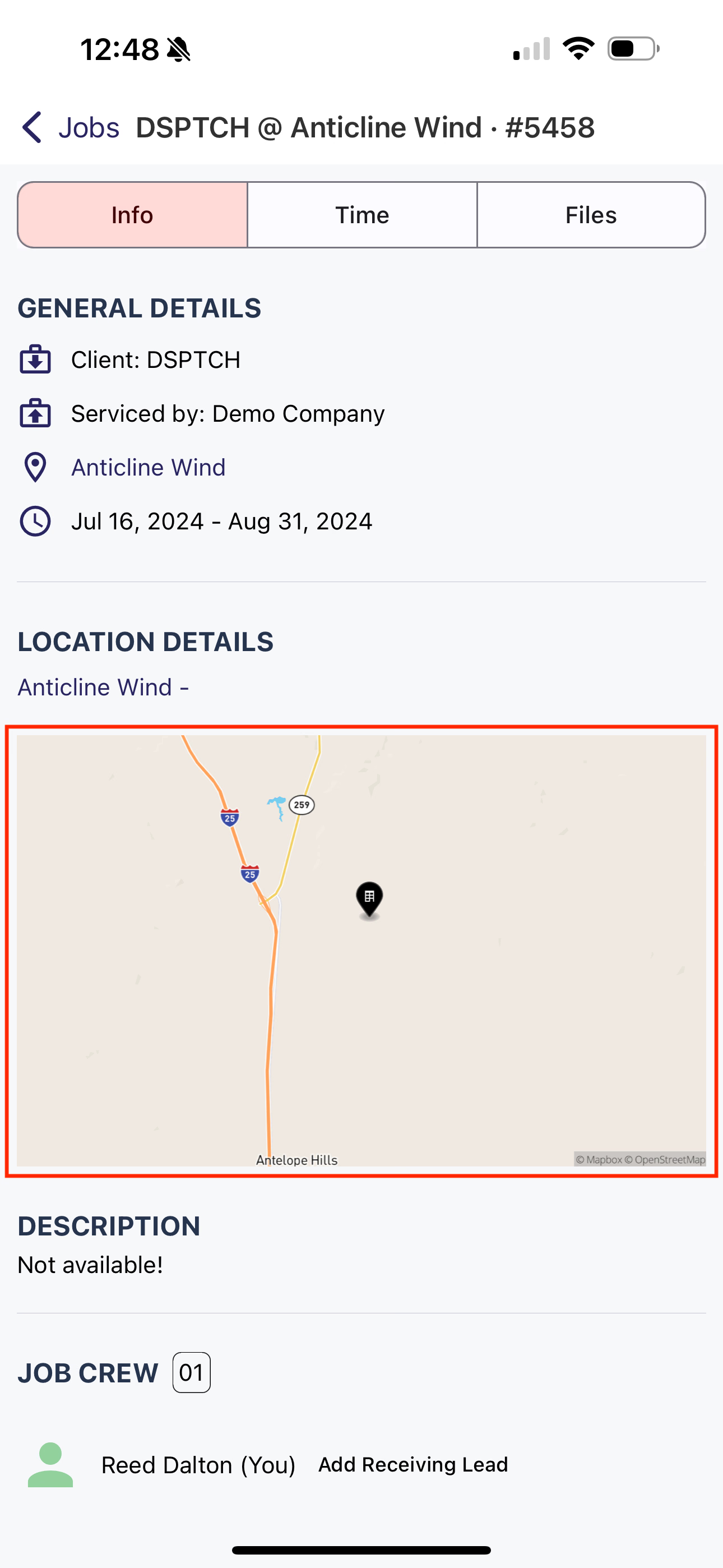
Tap on the Map to see the site in DSPTCH's Map
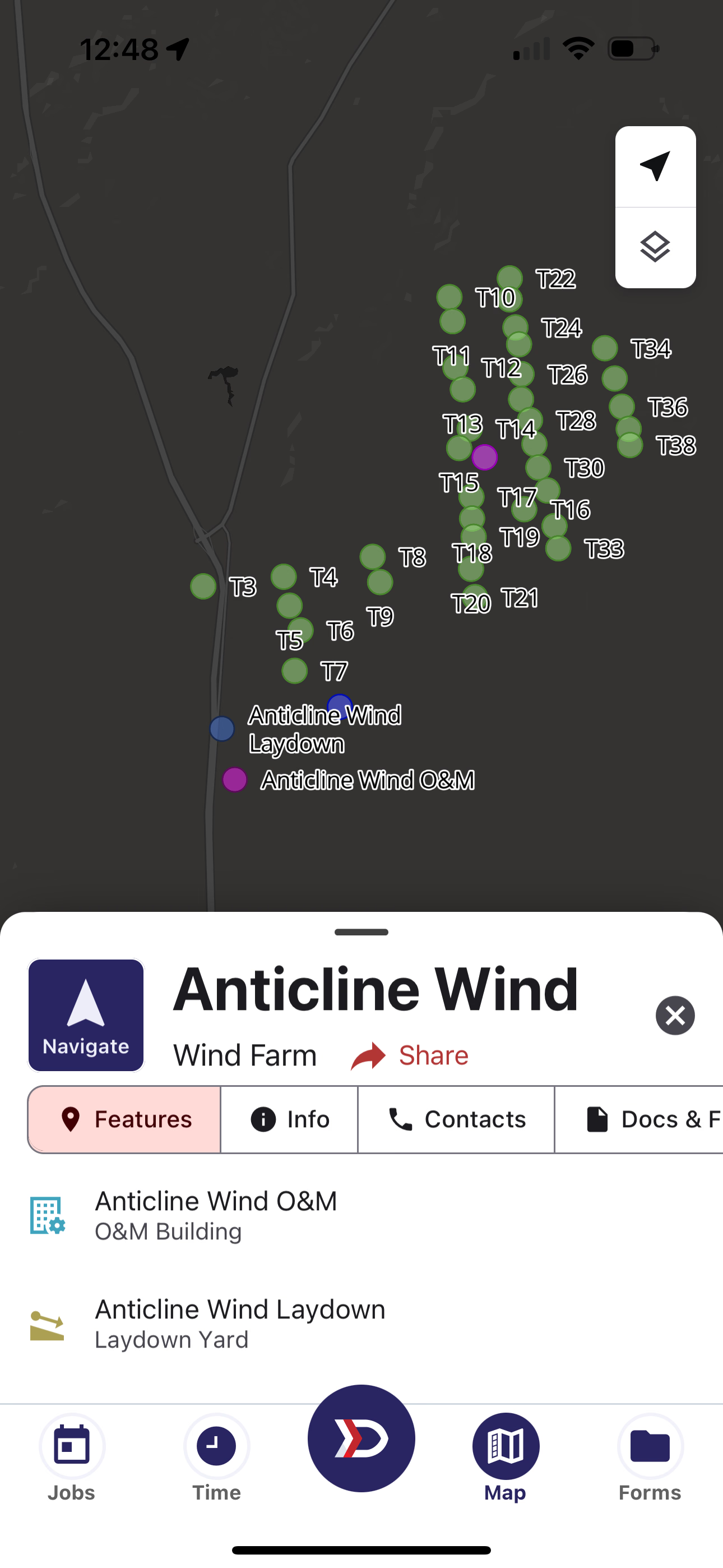
DSPTCH Map opened via the Job Info Tab
Job Contacts
If you tap on a name under Job Contacts, a menu with their information and buttons to contact them will pop-up.
To copy the Job Contact's email, tap on the double square to the far right.
To copy the Job Contact's phone number, tap on the double square to the far right.
Tap Text to send a new text message to the Job Contact.
Tap Call to call the Job Contact.
Tap Email to open your default email app and send the Job Contact an email.
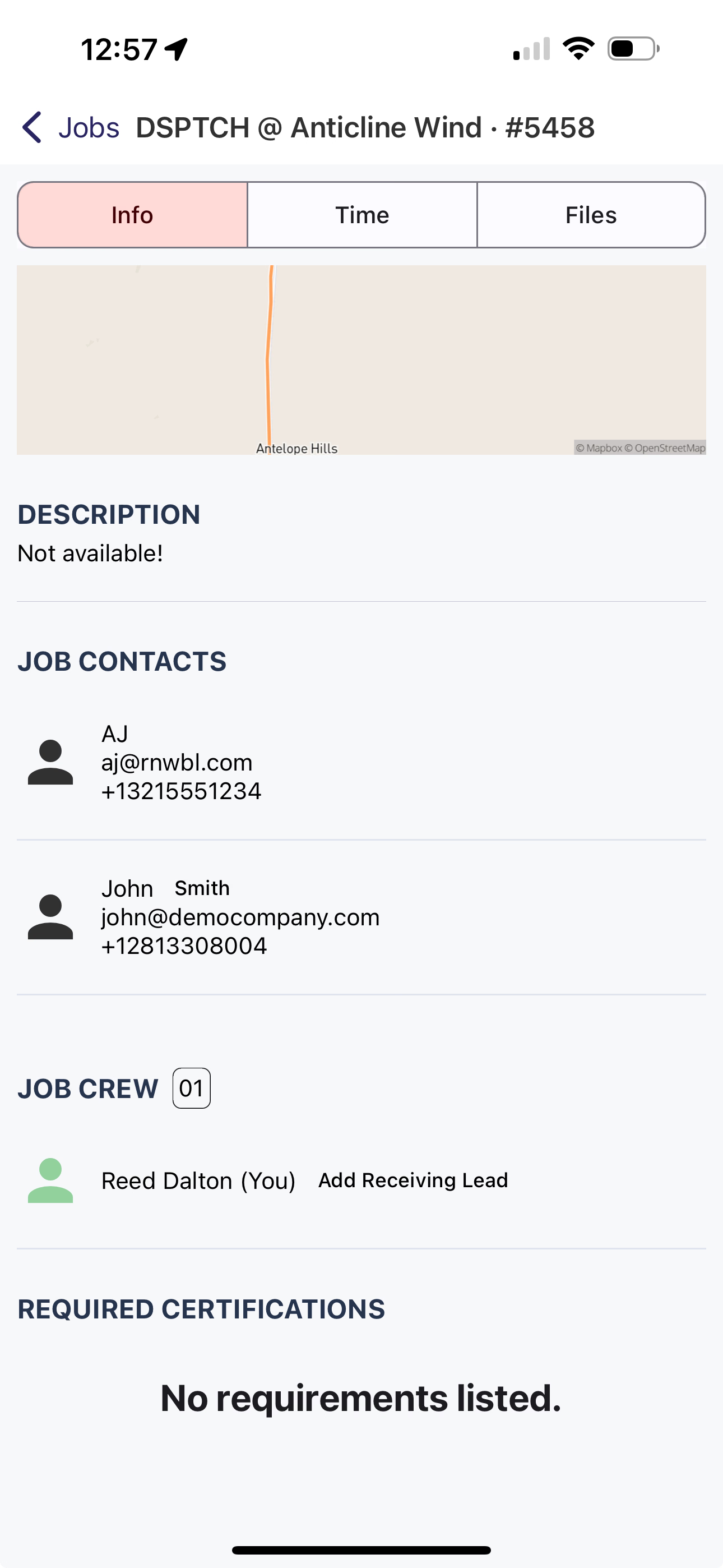
Select a card under Job Contacts to see more info
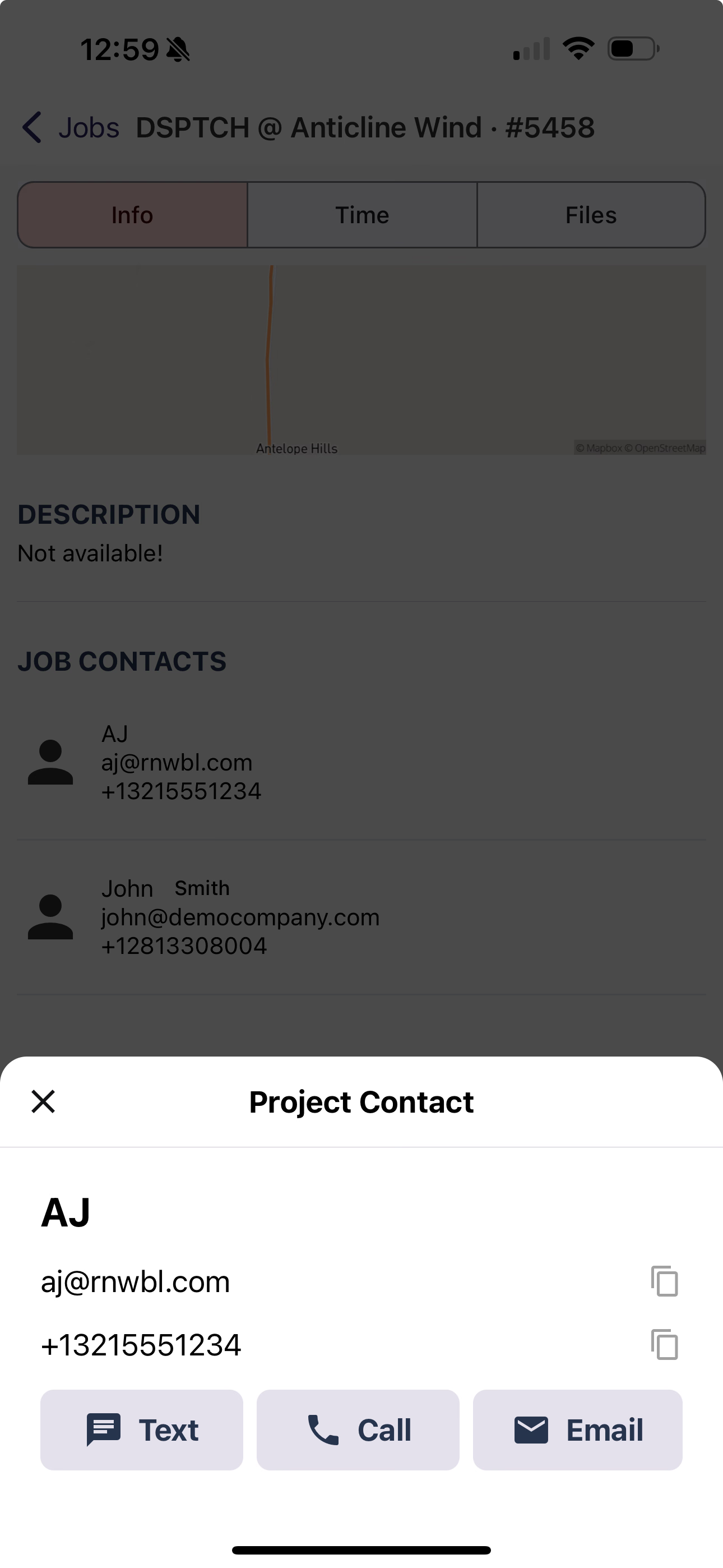
Multiple ways to get in touch with the Job Contact
Tapping the Text, Call, or Email buttons will link you outside of DSPTCH and into your default messaging / email apps.