Jobs Overview
Jobs in DSPTCH reflect the work being done in the real world. In DSPTCH, you log time to Jobs. Accurately tying your time to the correct Job ensures that you get paid correctly, and helps the company bill correctly. Beyond that, Jobs contain useful information around the who/what/where/when of the work being performed, including:
- Client Name
- Service Company Name
- Location
- Job Contacts
- Other Crew Members
- Job Schedule
- Files / Documents
That's a lot of info! To get access to everything, select the Jobs menu in the left corner of the bottom tray.
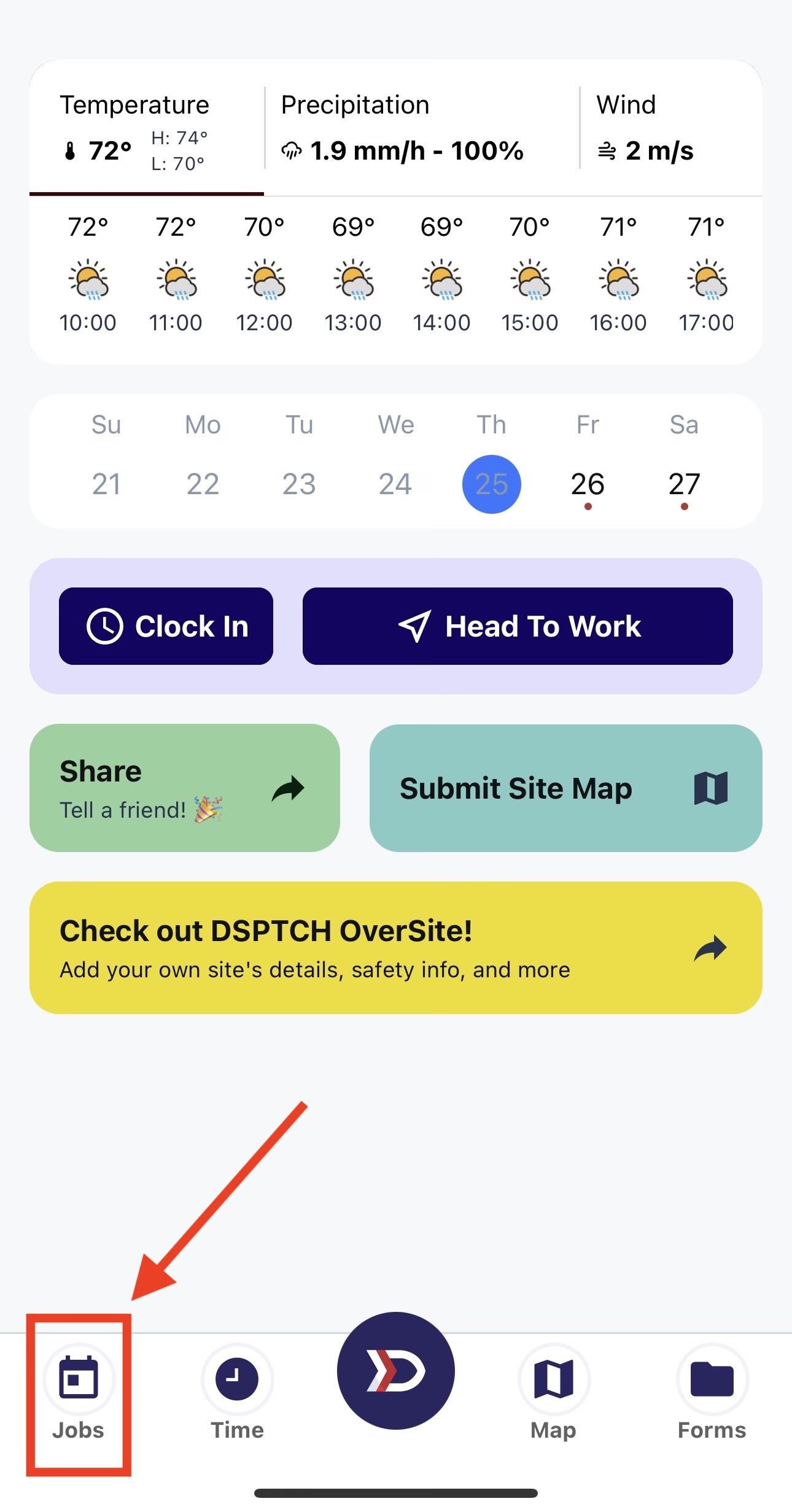
You will then be taken to the Jobs screen.
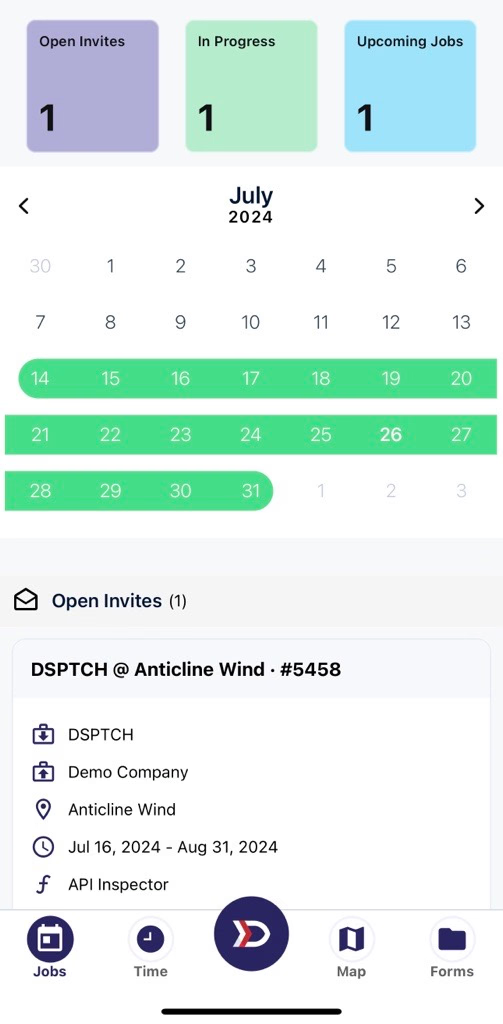
The Jobs Screen
To learn more about how Jobs works in DSPTCH, check out our other sections related to Jobs:
Tap on any individual job to see more information about it. On the Job Card, using the tabs at the top, you can access the Job Time Tab and the Job Files Tab.