Apprenticeships Overview
The "Apprenticeships" tab in DSPTCH offers data tracking for apprentice hours and ratio on jobs, visibility into individual apprentice progress, customizable wage progression schedules as apprentices accrue hours, and an interface for apprentices to allocate time card hours toward their program.
Apprenticeships Tab Layout
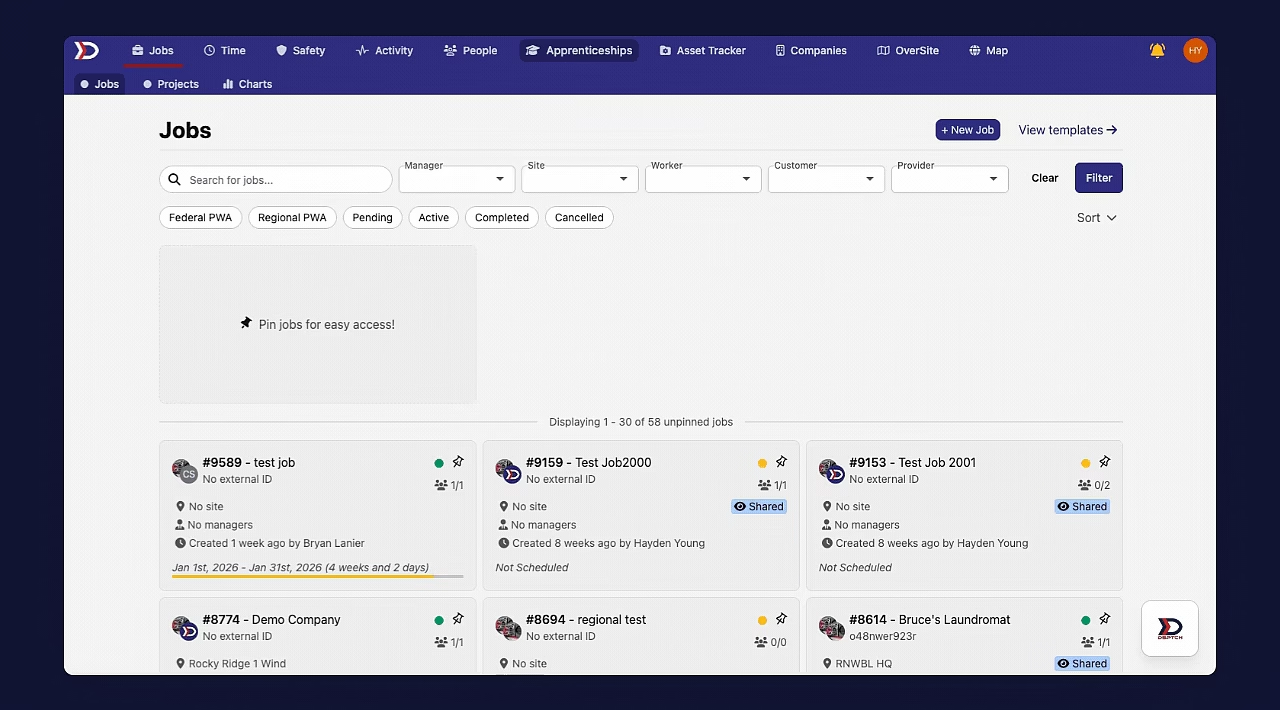
The Apprenticeships tab has three views, accessed via the sub-navigation bar at the top of the page:
- Overview — high-level dashboards (see below)
- Apprentices — list of all apprentices in your program. Click any apprentice to view their individual progress in each work process category.
- Occupations — list of occupations within the program. Click any occupation to view its wage progression schedules and work process categories.
Overview Dashboards
The Overview page contains six dashboards:
- Program Information — sponsor company name, program name, RAPIDS number, official sponsor name, doing-business-as name, and registration type (federal vs. regional).

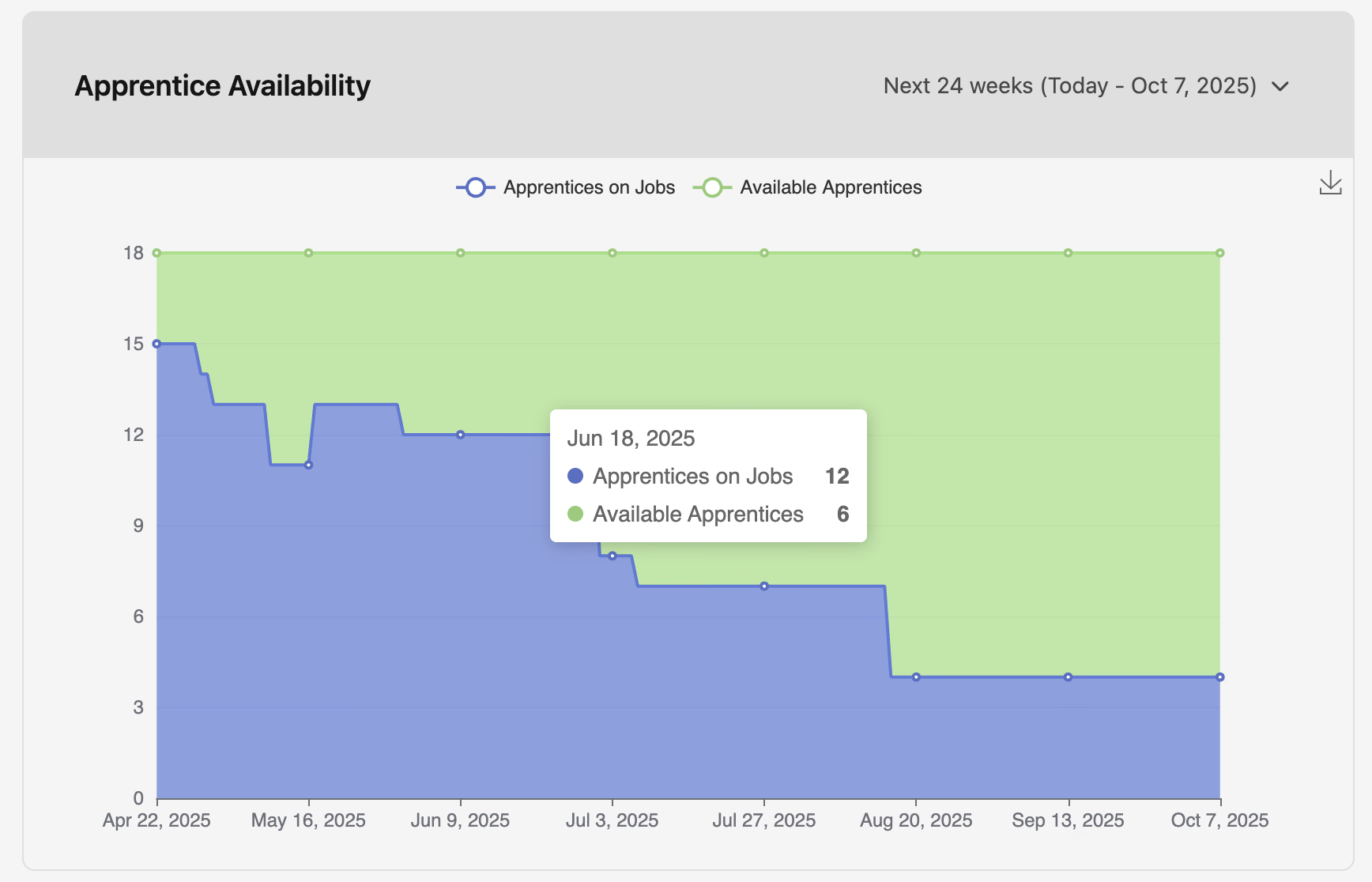
- Apprentice Availability — daily breakdown of apprentices assigned to a job vs. unassigned ("available").
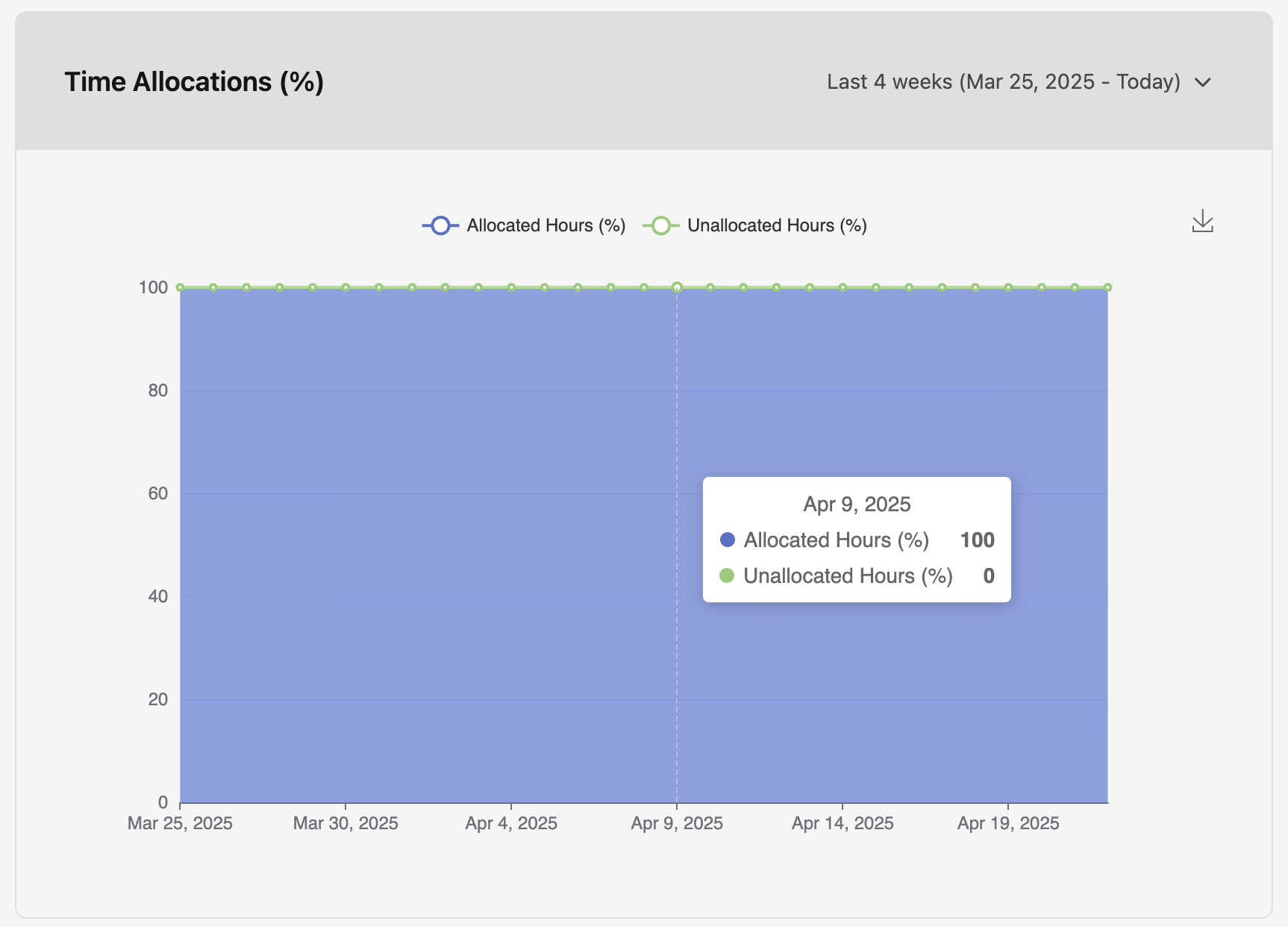
- Time Allocations (%) — percentage of logged apprentice hours that have or have not been allocated to the program. See Hours Allocation for the allocation flow.
- Employers — percentage of apprentices employed by each employer company in the program.

- Apprentice Statuses — breakdown by status: active, cancelled, completed, denied, overdue, pending, registered, suspended.

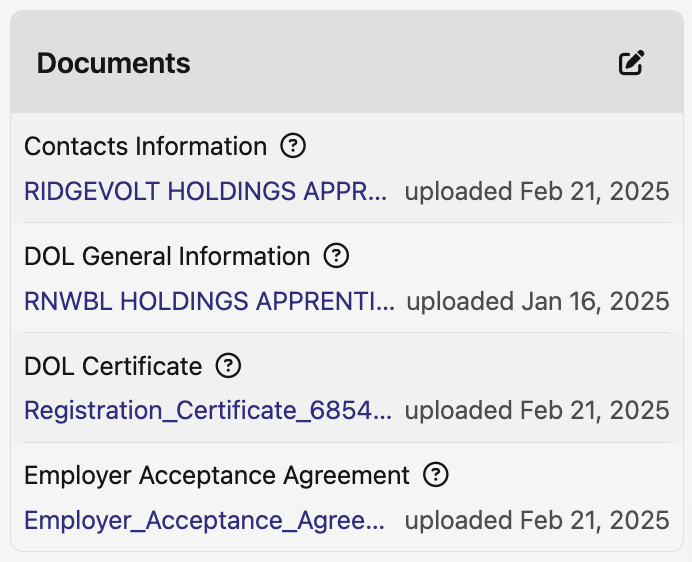
- Documents — list of uploaded apprenticeship program documents accessible to program managers.
Where to find each task
Setting up a program
- Programs — create and manage apprenticeship programs.
- Occupations — create occupations within a program (defines apprentice-to-journeyworker ratio and training duration).
- Wage Schedule — define wage progression as apprentices accrue hours.
- Work Process Categories — training categories that apprentices allocate hours toward.
Managing apprentices
- Create an Apprentice — enroll a user as an apprentice in a program.
- Hours Allocation — allocate hours from time cards and view individual progress.
- Non-Time Card Allocations — log apprenticeship hours that weren't tracked through DSPTCH timekeeping.
- Apprenticeship Hours Allocation – Mobile — apprentice-side mobile flow.
Compliance
- Good Faith Exceptions — document exceptions when apprentices can't be secured for a job.
- Apprenticeship Tab on Job Compliance — apprentice/journeyworker ratio, labor hours, and the list of apprentices on a specific job.
- Assigning/Inviting Workers to a Job — apprentice-aware position creation flow.